Tag: Sources
-
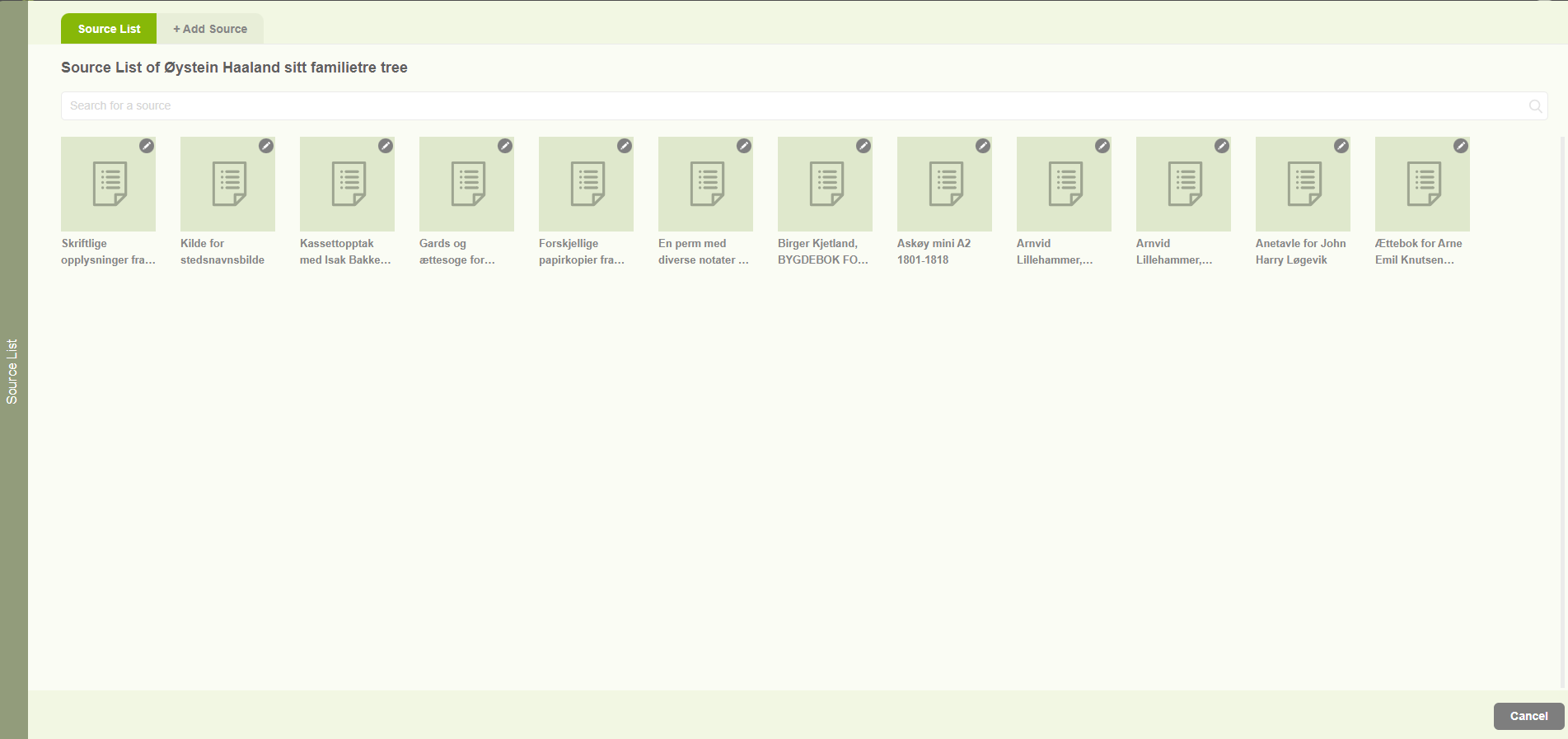
Sources list
1. Users are able to navigate to the Source list by clicking on the “Source List” option in the Resource menu. 2. Then users can view all the sources connected with the family project in the “Source list” tab. 3. Users can search for sources by using the search option. 4. The other tab on…
-
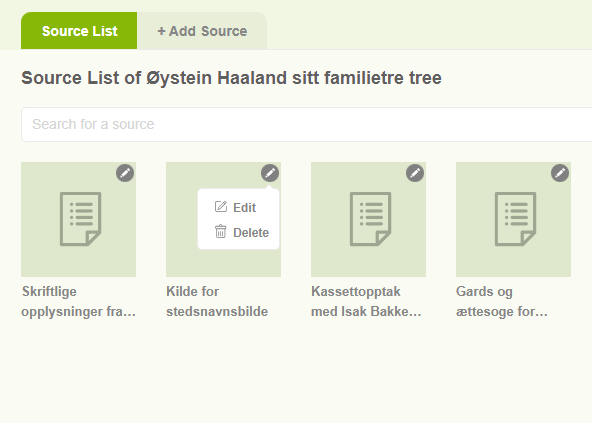
Edit sources
1. Click on the “Resource” tab and choose “Source list” 2. Then it will display the already added sources. 3. Then clicking on the pencil icon of a specific source two options will be displayed. 4. The first one is Edit. 5. The second one is Delete. 6. Users can edit a source by clicking…
-
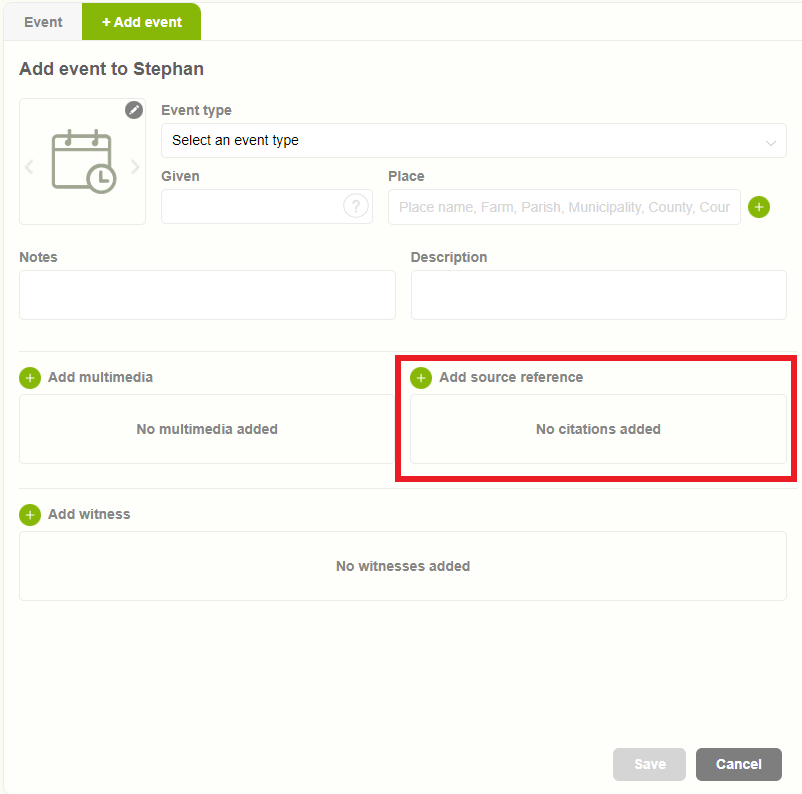
Add a source to an event
1. Users have the option to add proof or reference for an event utilizing the “sources” feature. 2. Upon clicking on “sources,” a pop-up window will appear with two tabs. The first tab displays the available sources. 3. The second tab provides the option to “Add New Source” for the event. 4. Following the addition…