Tag: Place
-
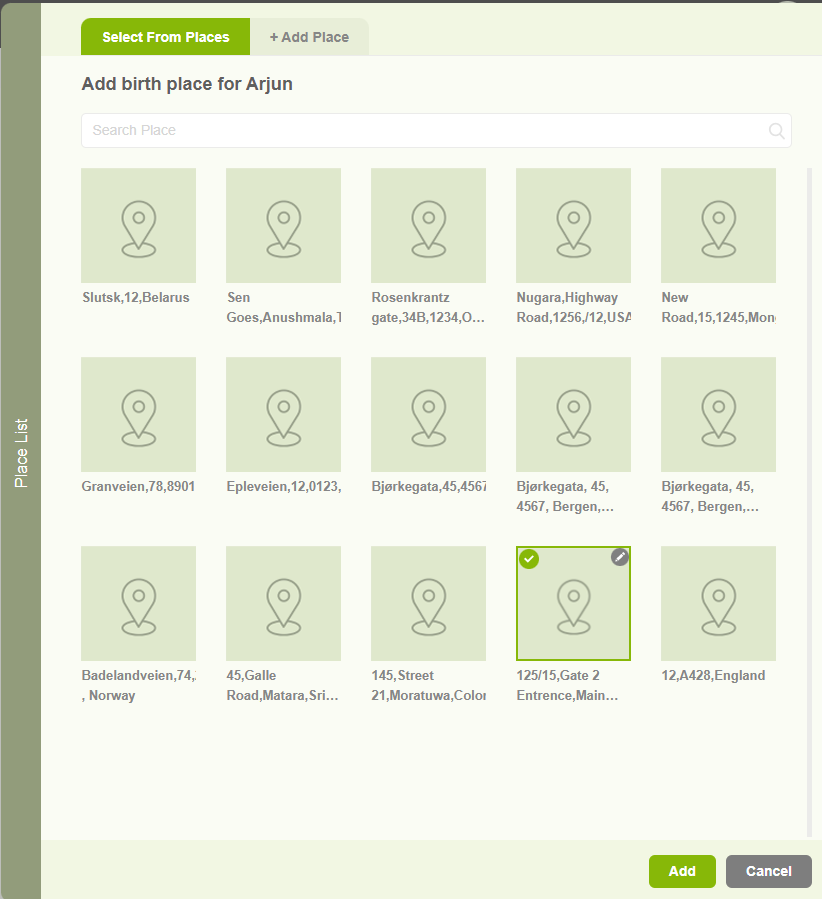
Add Birthplace and Deathplace
1. Users can add a Birthplace or a deathplace by clicking on the “+” icon in the member editor page 2. When clicking on the add location button, a popup will appear with two tabs. The First one is to select an existing place. 3. The other tab “Add Place” tab is to add a…
-
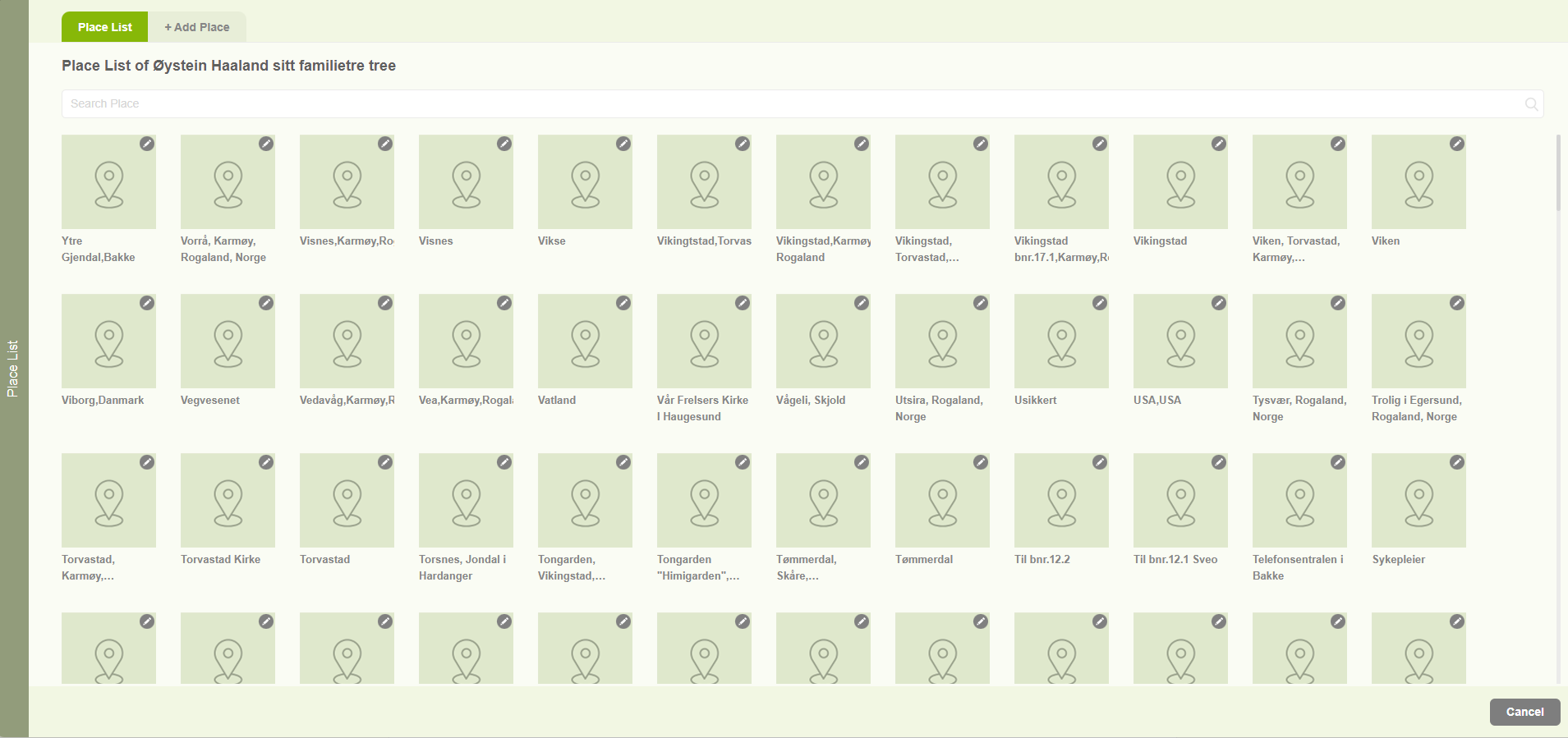
Place editor
1. Users can navigate to the place list by clicking on the “Place Editor” option in the “Resources” menu. 2. Then users can view all the places connected with the family project. 3. Users can search the existing places by the search option. 4. Users can add a new place from the “Add Place” tab.
-

Edit / Delete places
1. When clicking on the pencil icon of a specific location, two options will be displayed. 2. One for editing the location. 3. Another one for Delete the location. 4. Users are able to edit a location by clicking on the “Edit” option. Then the user will be navigated to the “Add Place Name” tab…
-
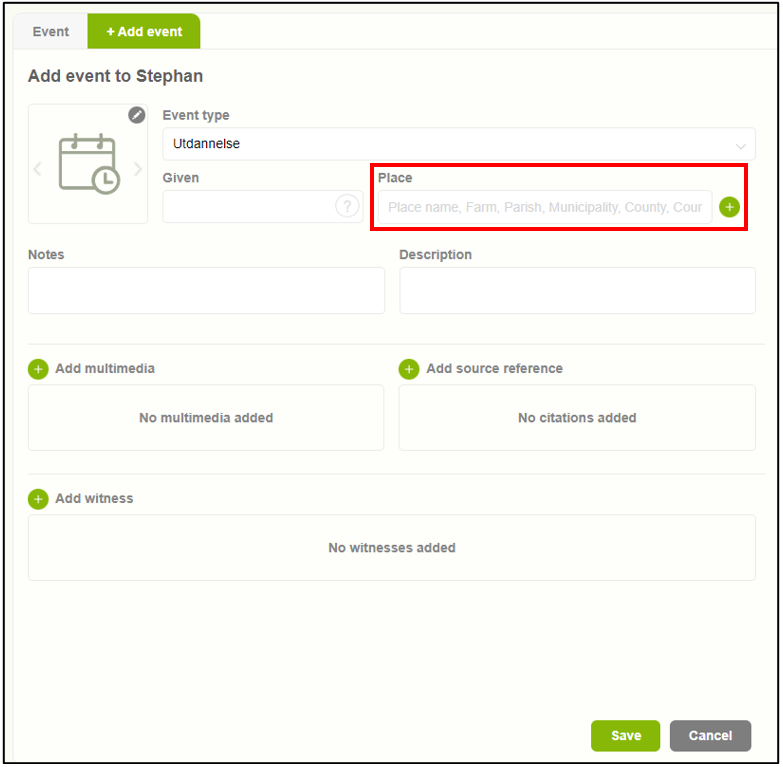
Add an event location
1. Users can add an event location by selecting the “Add place” button (+). 2. Upon clicking on the “Add place” button, a pop-up window will appear featuring two tabs. The first tab allows users to choose from existing locations. 3. The second tab enables users to add a new location.
-
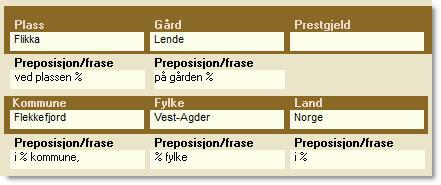
Place editor overview
The place name form can be opened in several different ways: By clicking on the image of the place name in the button row. By right-clicking an entry in the place name quick list. By double-clicking on a place name in the place name list while the Place name form is displayed. It is in…