Tag: Family editor
-

Add family profile image
1. Users can manage family profile images using different options in the image edit feature. Click on that pencil icon. 2. Initially, users can upload a new image or select one from the gallery. 3. If the user is going to upload an image from the gallery, a popup will be opened with the existing…
-

Family events
1. Users can view family events on the right pane in the family editor 2. Users can add a family event by clicking on the “Add event” tab in the right pane of the person edit page.
-
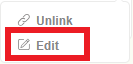
Edit family members details
1. Users can edit a family member’s details by clicking on the “pencil” icon of the relevant person 2. Then click the “edit” option from the displayed options. 3. When clicking on the “Edit” person edit tab will be opened with the relevant person’s data.
-
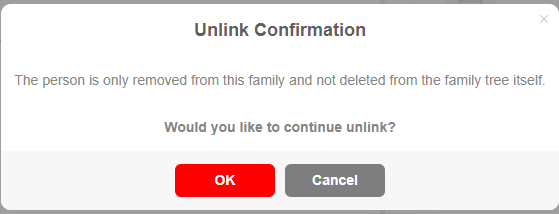
Unlink a person from the family
1. Users can click on the pencil icon of a relevant person. 2. Click on “Unlink” option from the edit menu 3. Then a confirmation message will be displayed, and if the user clicks “OK”, the relevant person will unlink from the family.
-
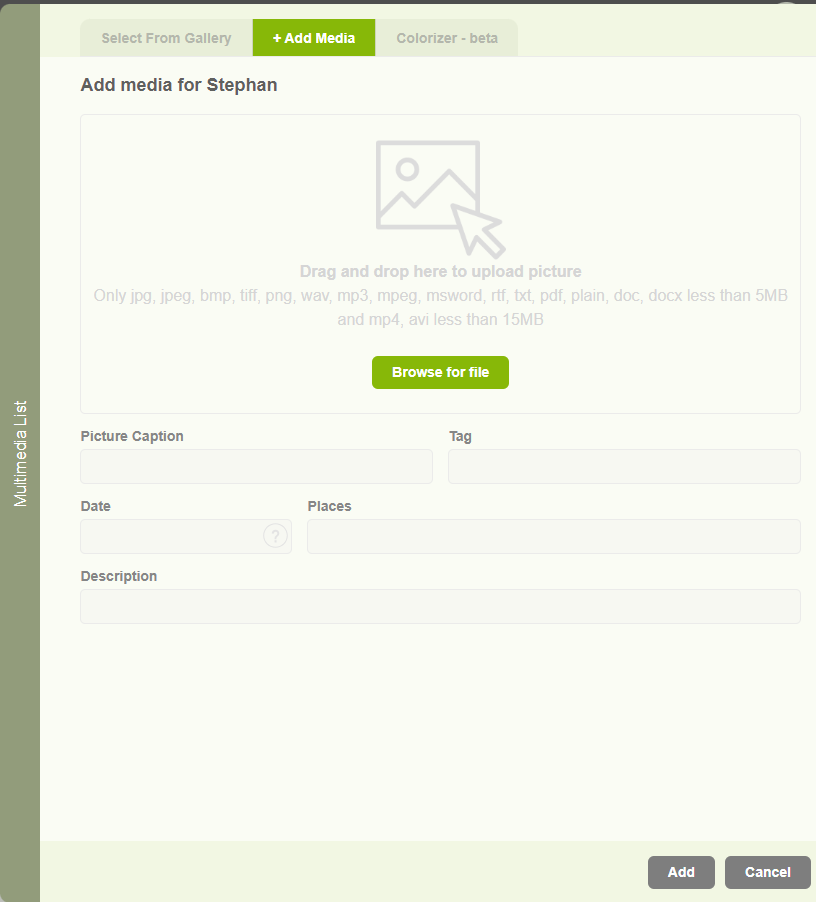
Add media for a family
1. Users can add images for family profiles, but if they need to upload documents, videos, and audio to their profile, it is enabled with the other media section. 2. Users can upload different media types as below. 3. Same as the image upload, user can select an available other media type from the gallery.
-

Add marriage location
1. Users can add marriage place by clicking on the “+” icon display against the location text box in the family editor page 2. When clicking on the add place button, a popup will appear with two tabs. The first one is to select an existing location. 3. And the second tab is to add…
-

Family editor overview
Users can view basic family information in the “Family Editor” Tab. Here, users can view the father and mother’s names. Their marriage date and location, Children’s names, Notes, and Address
-
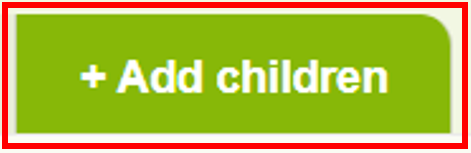
Add a child to a family
1. Users can add a child to a family by clicking on the ‘Add children’ button “+” icon. 2. Then a popup will be opened with two tabs to select from the available list or to add a new child. If the user wants to add an existing person as a child, then the user…
-
Editors
Embla Family Treasures provides three editors to create and edit personal details, family details, and family trees (including ascendants and descendants). 1. Users can navigate to editors through the “Resources” menu option 2. Tree editor – Users can create their family tree by adding ancestors and descendants 3. Member editor – Users can edit a…
-

Family editor overview
The family form can be opened in several different ways: By clicking on the image of a family in the button row. By clicking on a family button in the Overview form. By clicking on a family button in the Person form. By double-clicking an entry in the quick list for families. By double-clicking…