Category: Member editor
-

Member editor – Overview
The personal form can be opened in several different ways: By clicking on the button on the row of buttons that shows the image of a person By right-clicking on a person in the Overview Form By double-clicking on a child in the Family Form By double-clicking on one of the parents in the Family…
-
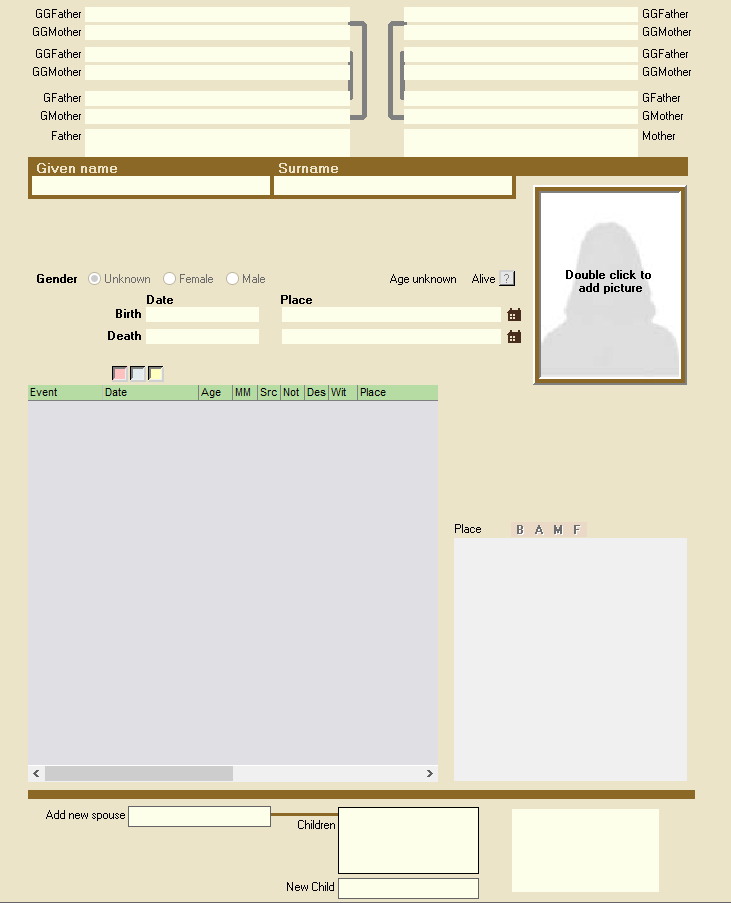
Navigate to the Member editor
The personal form can be opened in several different ways: By clicking on the button in the row of buttons that shows the image of a person, 2. By right-clicking on a person in the Overview Form 3. By double-clicking on a child in the Family Form…