Category: Reports
-
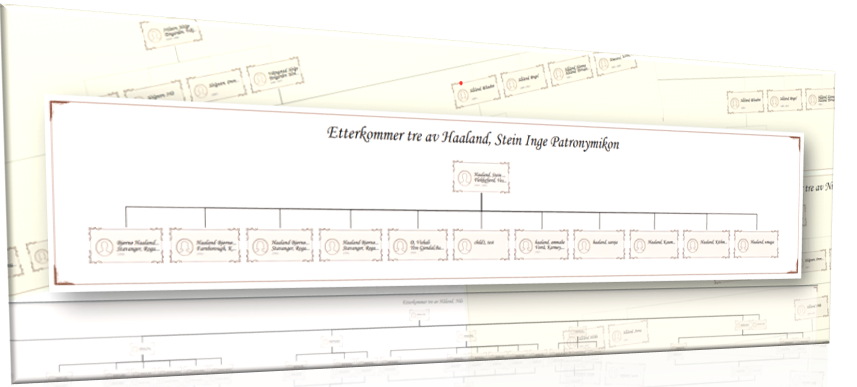
Descendent report: Unveiling your family tree’s legacy
Exploring one’s family history is a journey through time, a quest to uncover the roots that anchor us in the tapestry of human experience. At the heart of this exploration lies the descendant chart—a powerful tool that maps out generations, revealing the intricate web of familial connections that define us. What is a Descendent report?…
-

Publish fan chart
Users can publish the fan chart report using the “publisher” option. 1. Click on the publisher icon 2. Then a popup will display to add a report title and to select the template type. 3. There are two types of report templates a. Normal (without top and bottom) …
-

Report controllers
In the report engine, there is a function bar in the left corner and it includes the below functionalities. a. Zoom in option b. Zoom out option c. Center option d. Zoom for a extended e. Change color f. Publisher g. Settings Change Color (e) Users can change the fan chart colors with different…
-
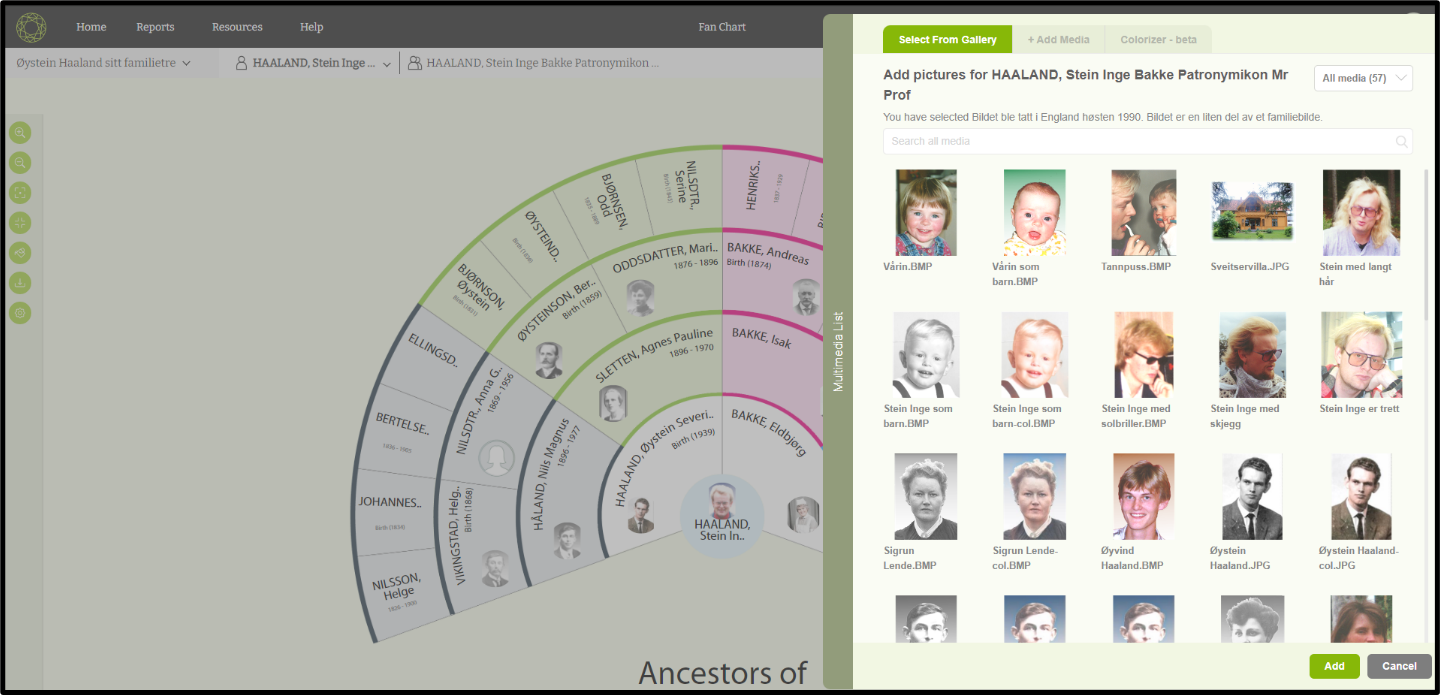
Change the profile image
Users can change a profile image through the ‘Fan chart’ page. 1. Click on the profile image of a member that needs to be changed. 2. Then a popup will open with available images. 3. Then the user can select an image that needs to be reset. 4. After selecting the image click on the…
-
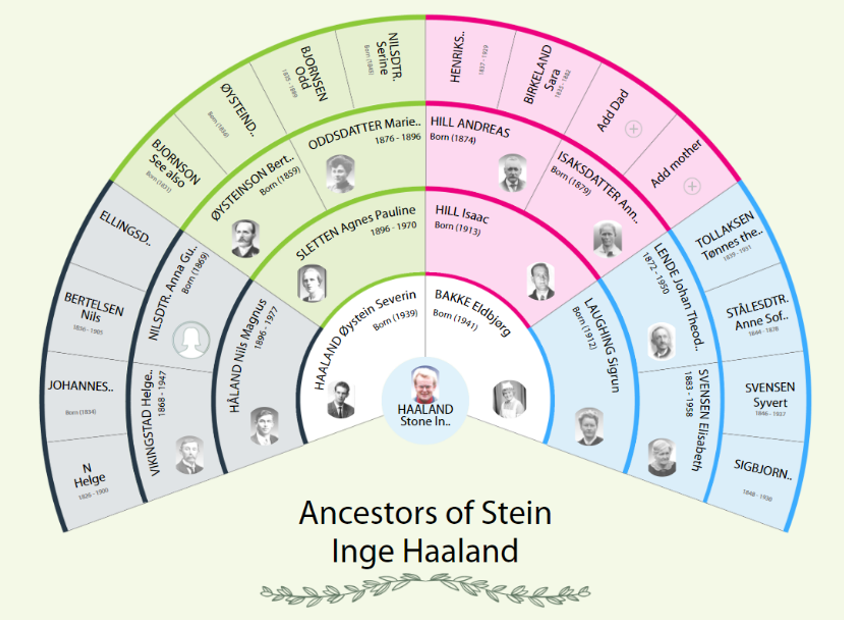
Fan Chart
Fan chart report is an artistic way of representing the ancestors of the root person as a ‘Fan’. 1. First the user needs to click on the ”Report” link and select the “Fan Chart”. 2. Then the user will be redirected to the fan chart report page. 3. The user can view the name of…
-

Timeline report
The Timeline report showcases various life events alongside the years pertinent to the selected root member Presented in a vertical format, the report delineates personal and family events distinctly through the utilization of different icons and colours Personal events Family events Each event box contains the event title, location, year, description, and any accompanying images…
-
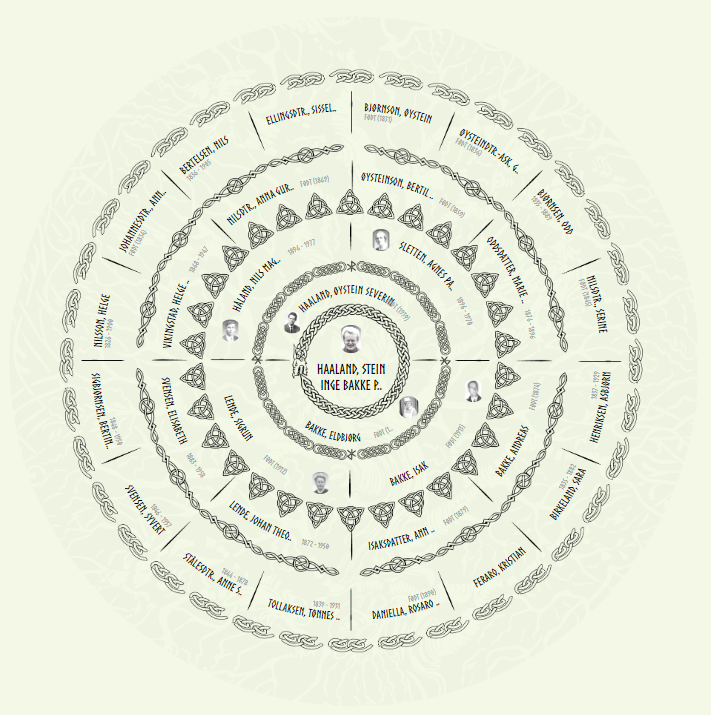
Sun chart
The Sun chart is a report which displays the ancestors in a circular report. Users can navigate to sun chart by clicking on “sun chart” option in the report menu
-
Person book
01) The Person Book presents all members within a family tree. It functions as a flip book, allowing users to flip through the pages and access information about each member of their family tree. 02) It will display the relationship of each individual with the root person, their names, date of birth, age, birthplace, and…
-
Pedigree chart
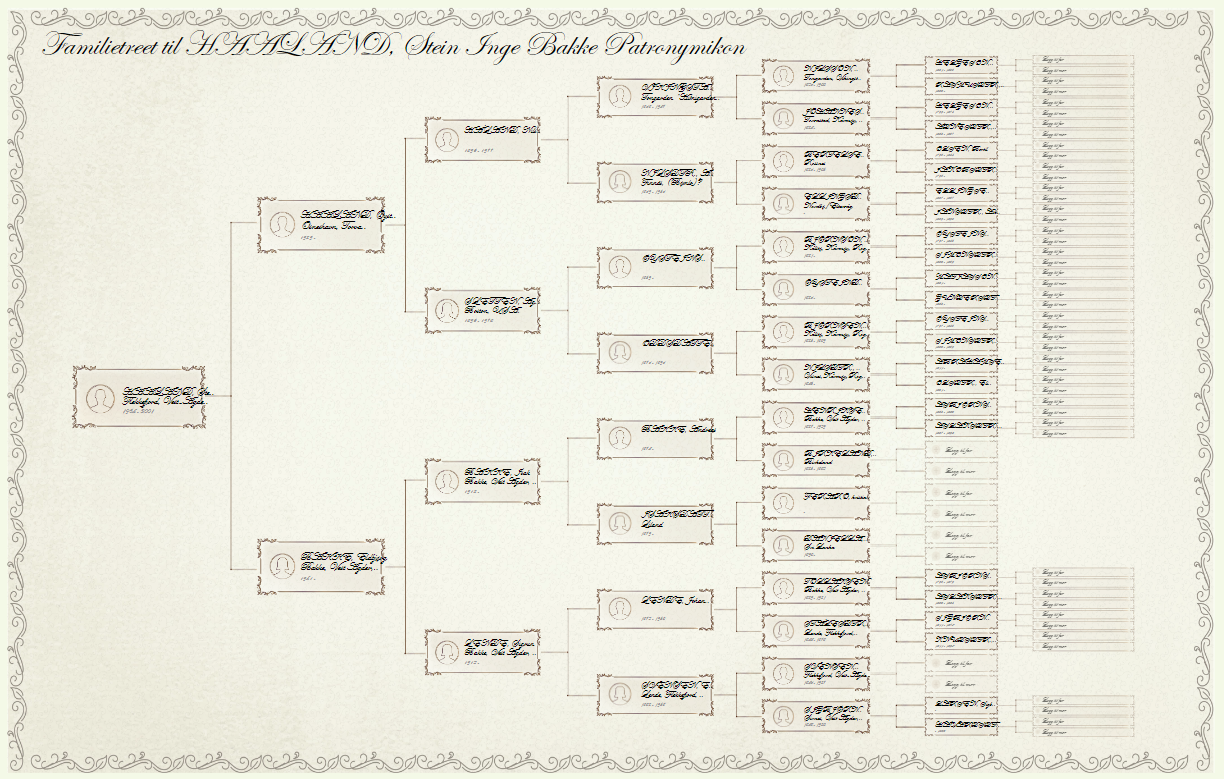
The Pedigree Chart is a graphical representation of the ancestors of the root person. It serves as a map of a family’s ancestral heritage across multiple generations. Users can access the Pedigree Chart by selecting the “Pedigree Chart” option from the reports menu
-
Map Report
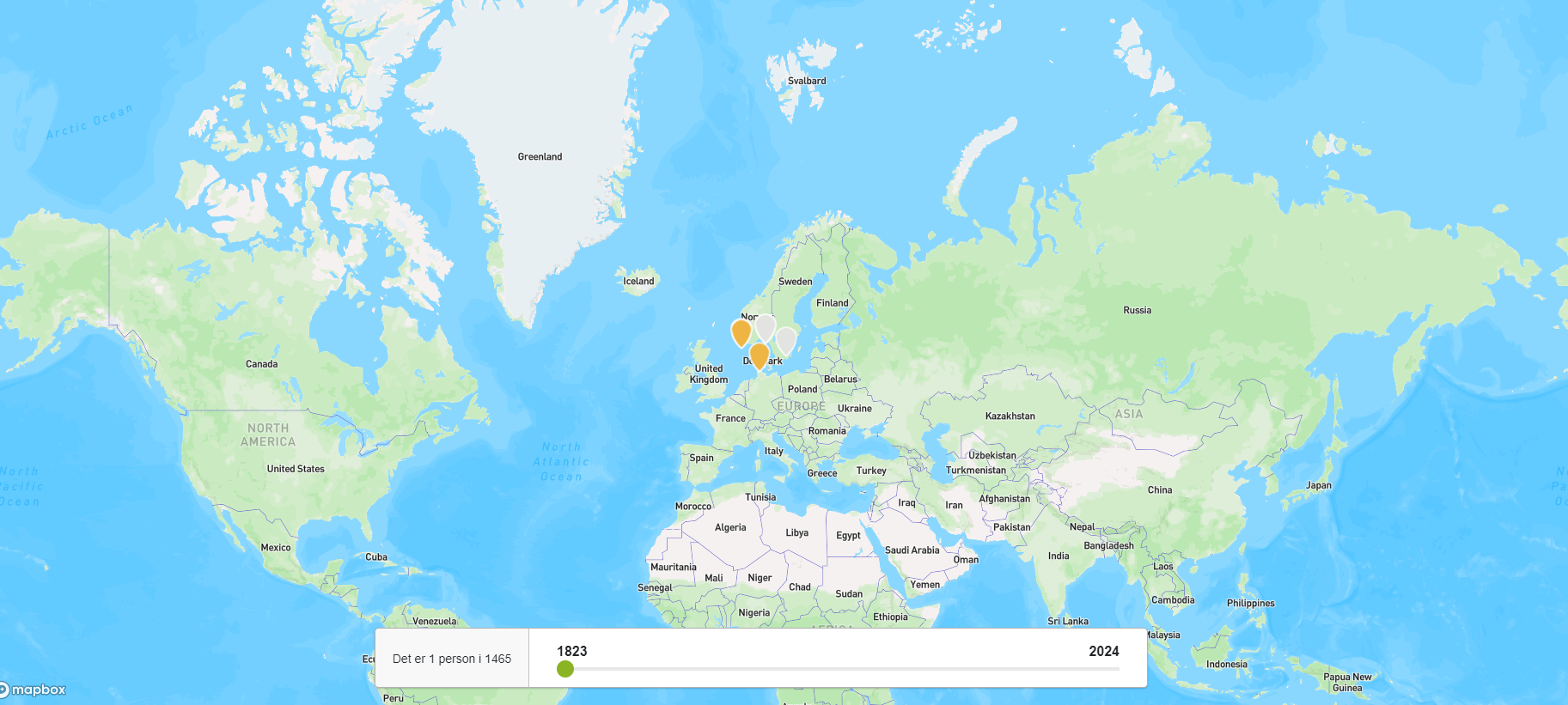
The interactive map report provides users with a dynamic visual representation of the global distribution of family members within a family tree. By utilizing different coloured pins, each representing a specific gender, users can gain valuable insights into their ancestors’ geographical spread across various regions. Blue pins denote males, red pins signify females, while orange…
-
Artistic tree
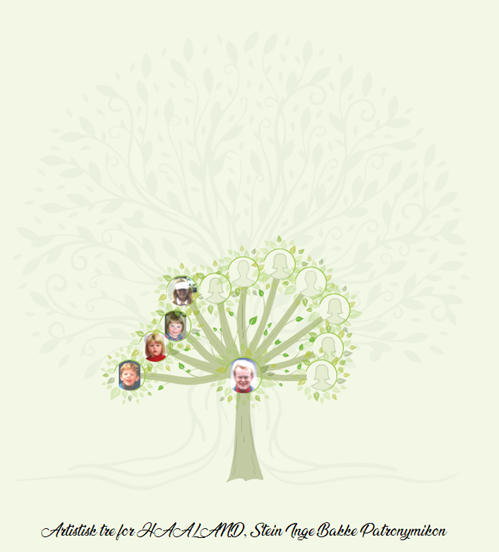
The Artistic Tree visually presents the descendants of the root person. Each node represents a descendant, interconnected by branches
-
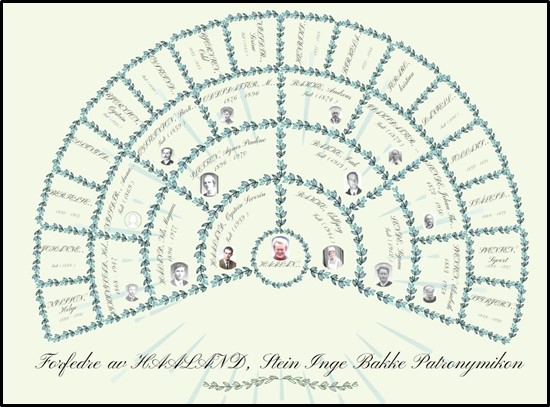
Fan chart (leaves)
01) The Fan Chart report is rendered artistically, akin to the traditional fan chart layout. Similar to the standard ‘fan chart’ report, this variant showcases the ancestors of the root person. 02) Users can access the fan chart by selecting the ‘Anesikel (blader)’ option from the report’s menu 03) The name of the root member…
-
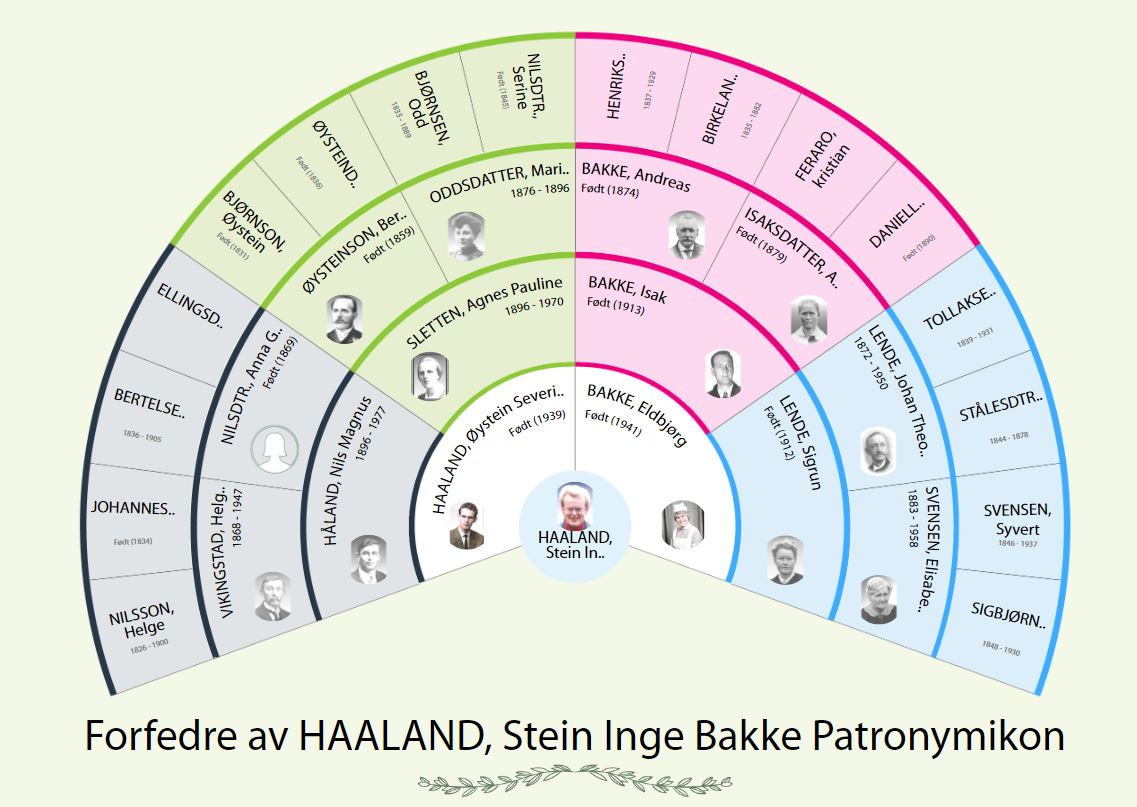
Change the root person from the fan chart.
When clicking on the name of a person, he or she will become the root person of the fan chart. 1) Click on the name of the selected person. 2) Then click on the “Start from here” option in the pop-up. 3) Then the selected person comes to the center as a root person.