Category: Version 10
-

Multimedia list
1. Users can navigate to the multimedia list through the “Multimedia list” option in the “Resources” menu. 2. There are three tabs on the multimedia page. When clicking on the “Multimedia list” tab, the user can view all the media files available for the project. 3. Users can search multimedia by using the search option…
-
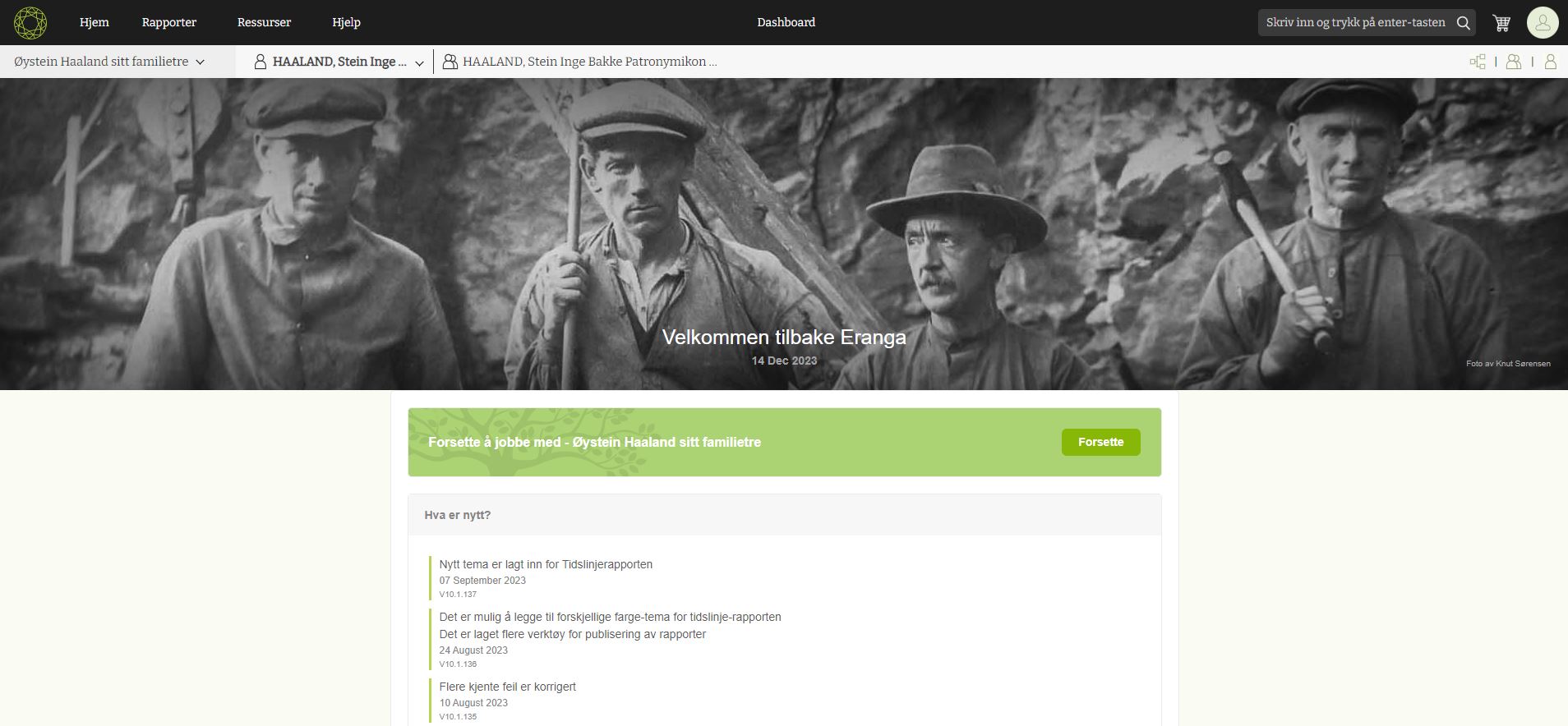
Getting started as a new user
New users browse Embla Norsk Familiehistorie from their browsers. Then the user can input their email and password to log into the account. 2. When the user enters the correct credentials, the user will navigate to the user account page and display the username in the window. 3. Then the user can click on the…
-
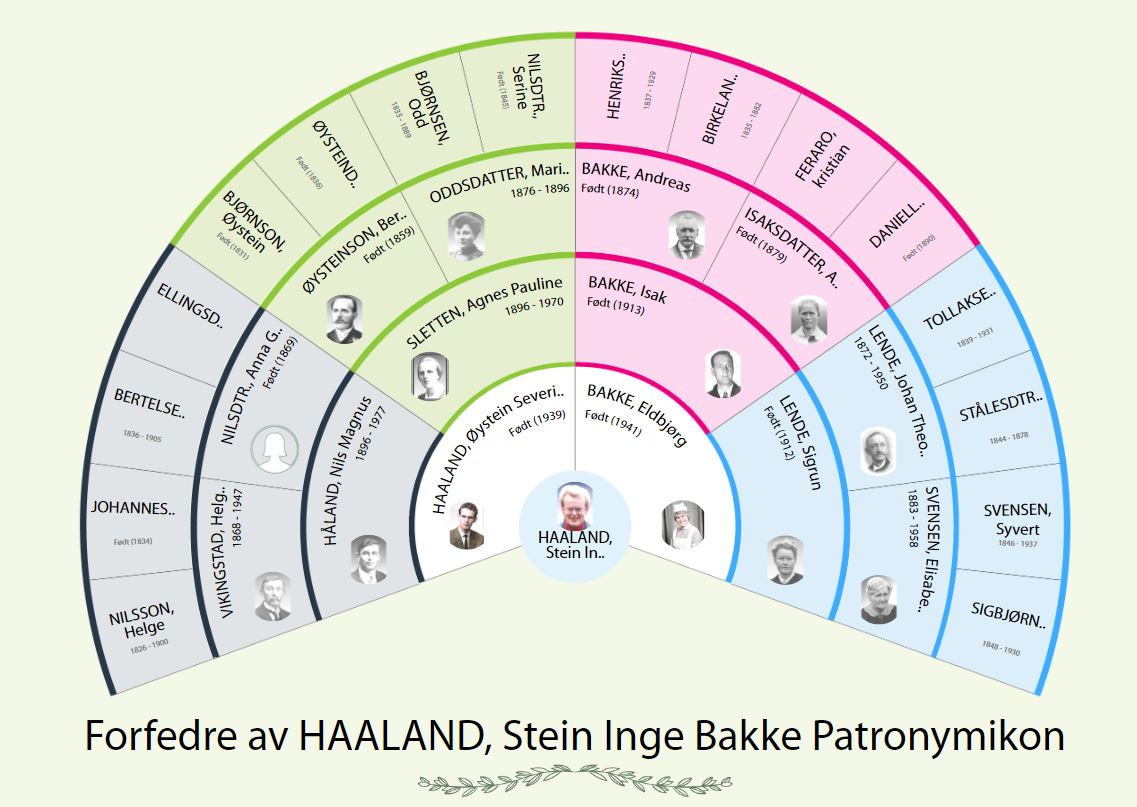
Change the root person from the fan chart.
When clicking on the name of a person, he or she will become the root person of the fan chart. 1) Click on the name of the selected person. 2) Then click on the “Start from here” option in the pop-up. 3) Then the selected person comes to the center as a root person.