Category: Migration
-
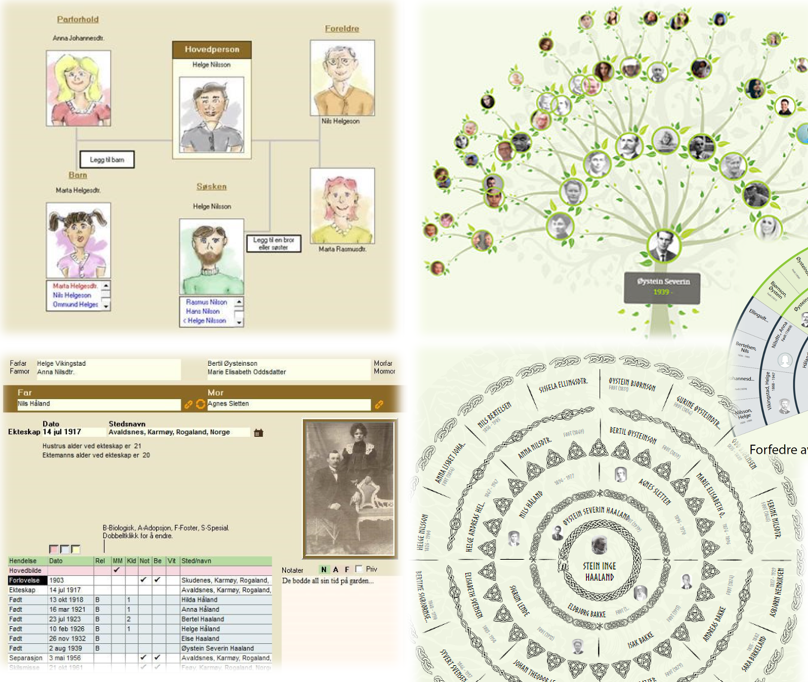
How to Migrate from V9 to V10
To ensure a smooth migration from V9 to V10, follow these steps: Backup Your Family Tree: Backup to Cloud: Click on “Backup family project to internet with multimedia.” Backup to Local PC: Follow the instructions to save the family tree locally. Access the Embla Website: Visit www.embla.no. Log in with your email and password. Restore…
-
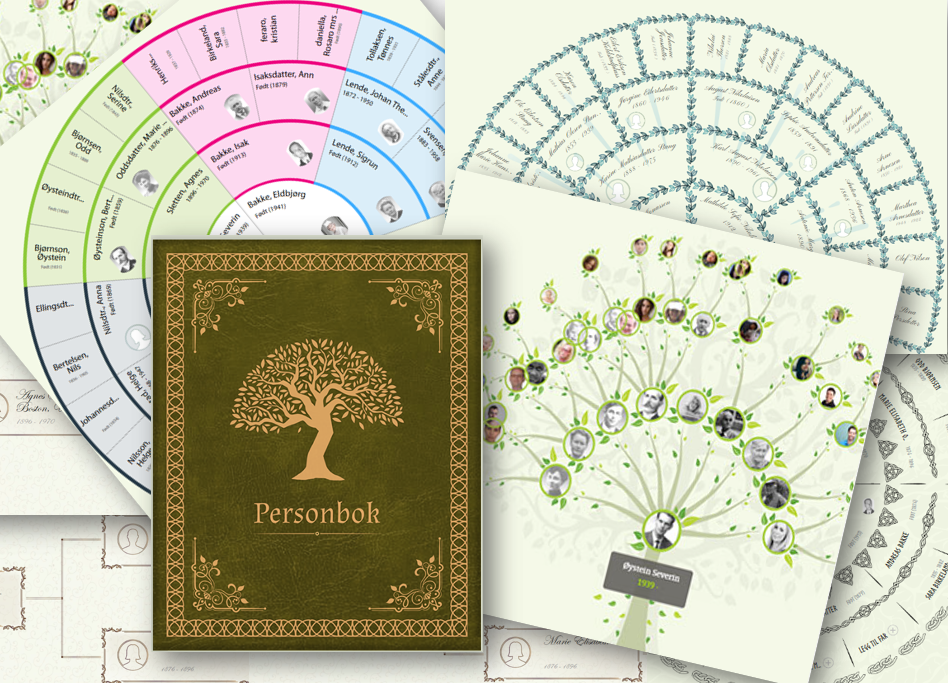
Discover the Advantages of Embla Family Treasures V10
Welcome to the latest version of Embla Family Treasures, V10! We’re excited to introduce you to the many unique features and improvements that make this version the best yet. Here’s a closer look at what makes V10 stand out: 1. Web Application Accessible from Anywhere With V10, you can now access your family treasures from…
-
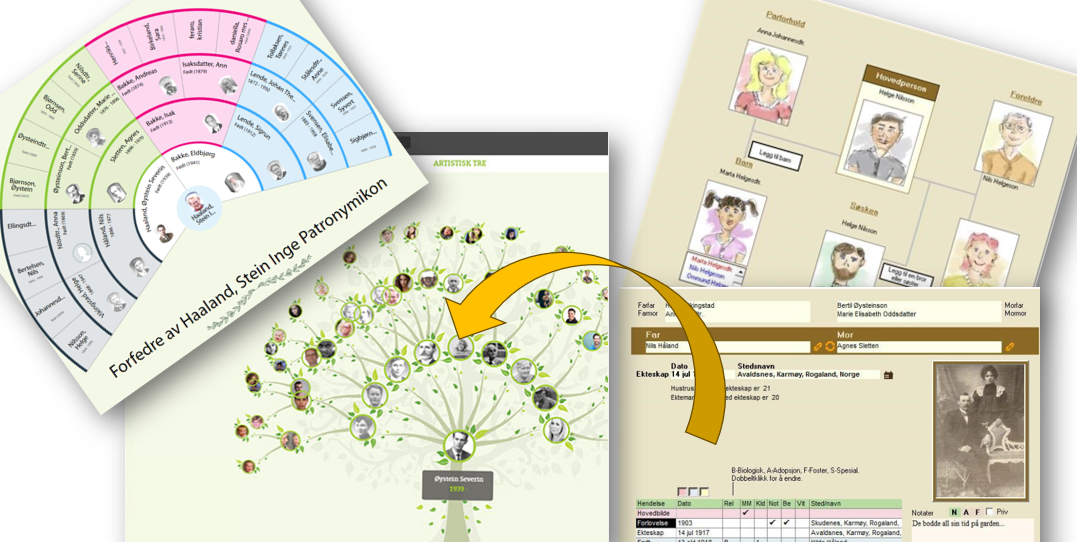
Transitioning from V9 to V10 of Embla Family Treasures
Welcome to the new Embla Family Treasures web application! If you’ve been using our older desktop version (V9), this guide will help you understand how your data has been mapped to the new web version (V10). Our goal is to make your transition smooth and straightforward. Key Features and Their Mapping Below is a table…