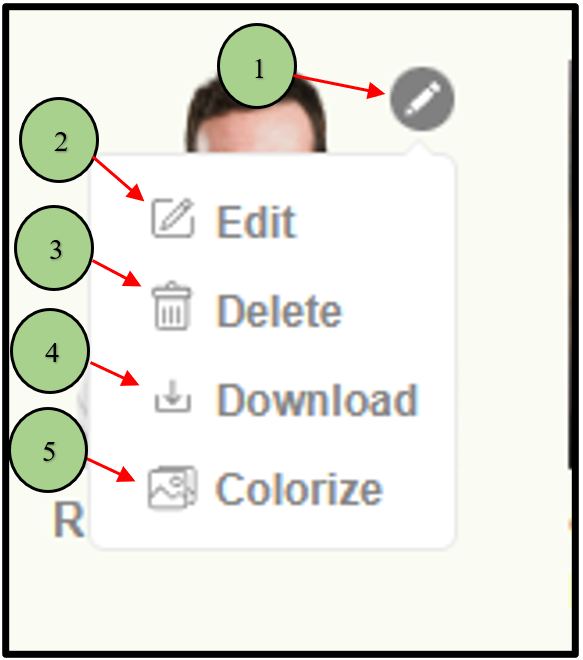
1. When clicking on the “pencil” icon on the image it will display different options.
2. To edit.
3. To delete
4. To Download the file.
5. And to Colorize the image.
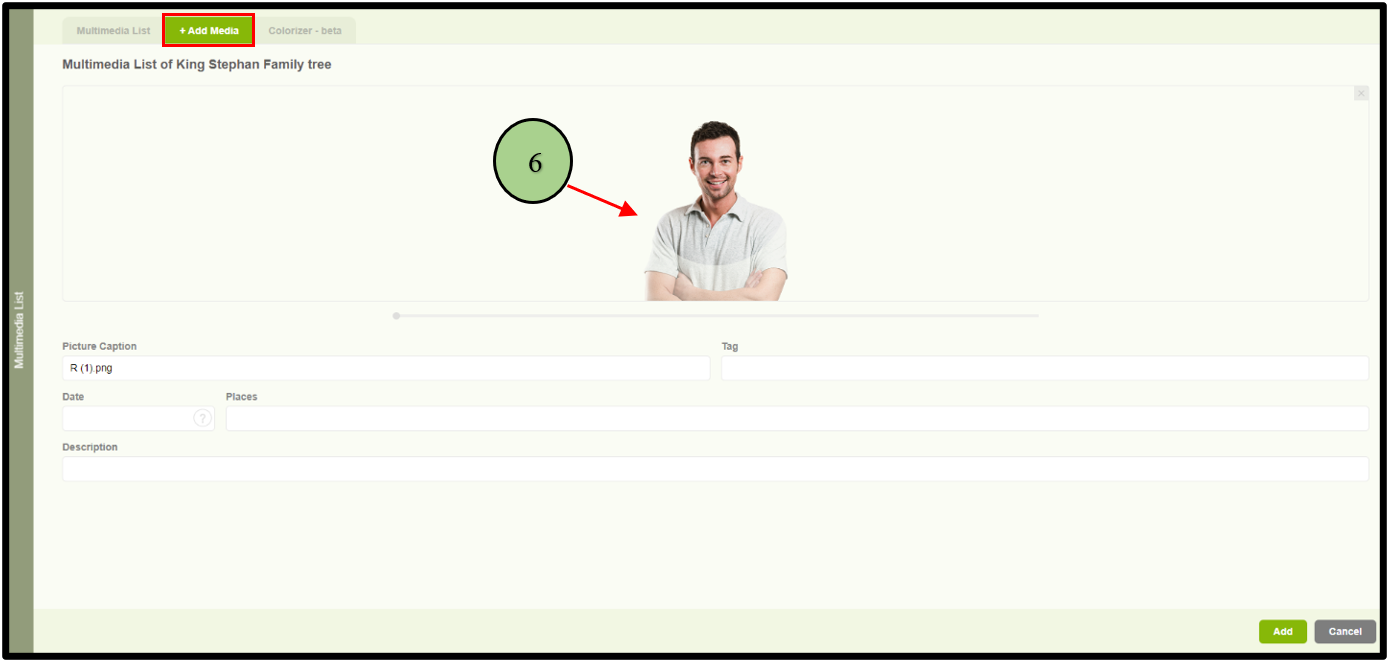
6. When clicking on the edit option, the user will be navigated to the “Add Media” tab with the selected image.
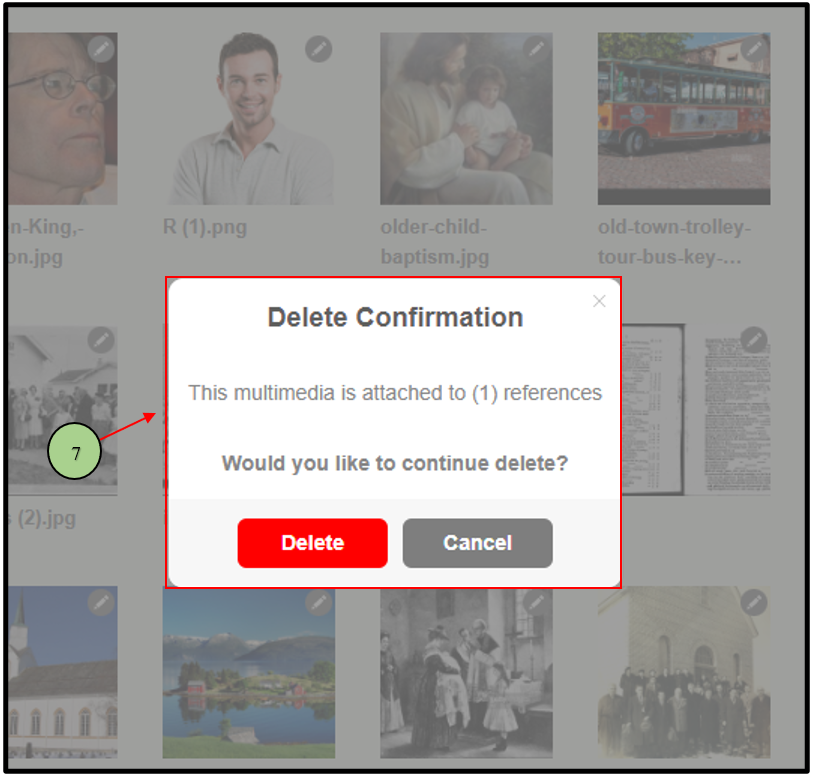
7. When clicking on Delete from the edit options, a delete confirmation message will be displayed to get the confirmation before deleting the file
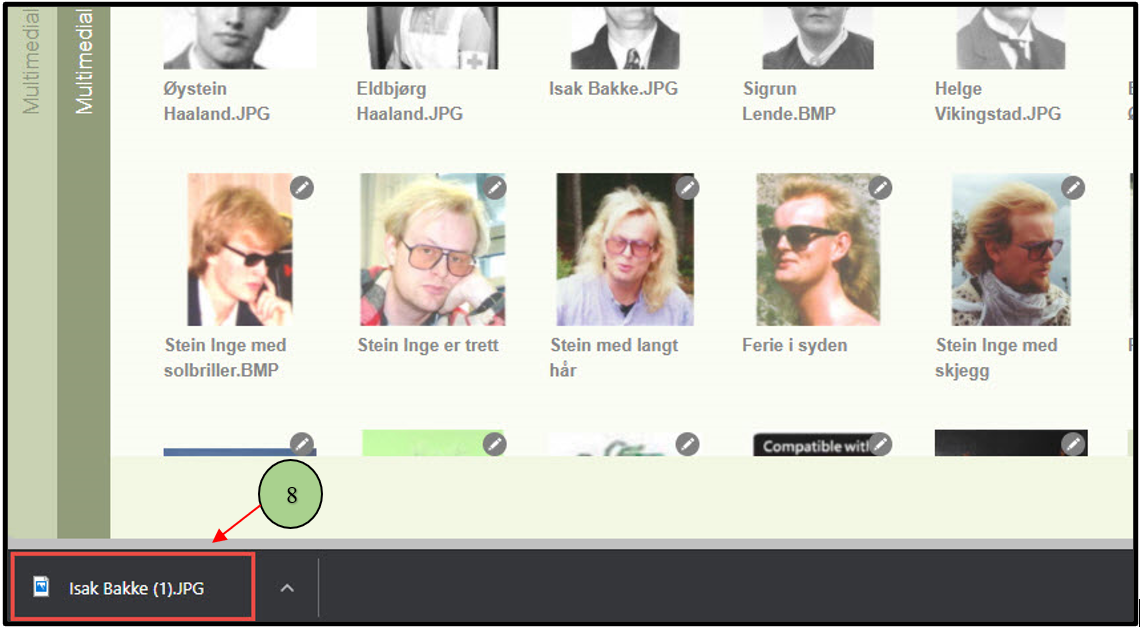
8. When clicking on download from the edit options, the user can download the original file.
Leave a Reply