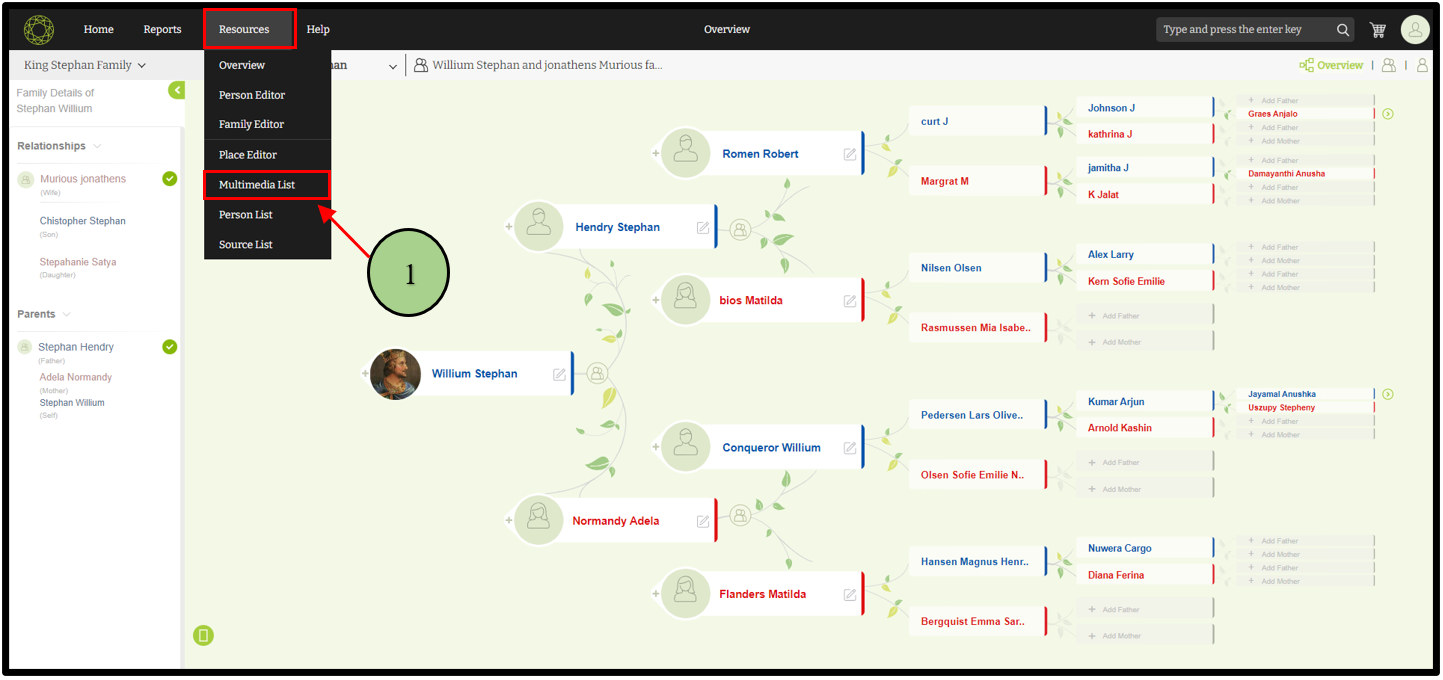
1. Users can navigate to the multimedia list through the “Multimedia list” option in the “Resources” menu.
2. There are three tabs on the multimedia page. When clicking on the “Multimedia list” tab, the user can view all the media files available for the project.
3. Users can search multimedia by using the search option on that page.

4. The second option is “Add Media”. When clicking that option users can add new media files to their projects.

Leave a Reply