1. Users can edit a family member’s details by clicking on the “pencil” icon of the relevant person
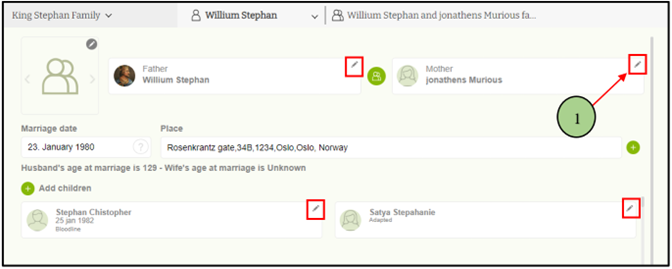
2. Then click the “edit” option from the displayed options.

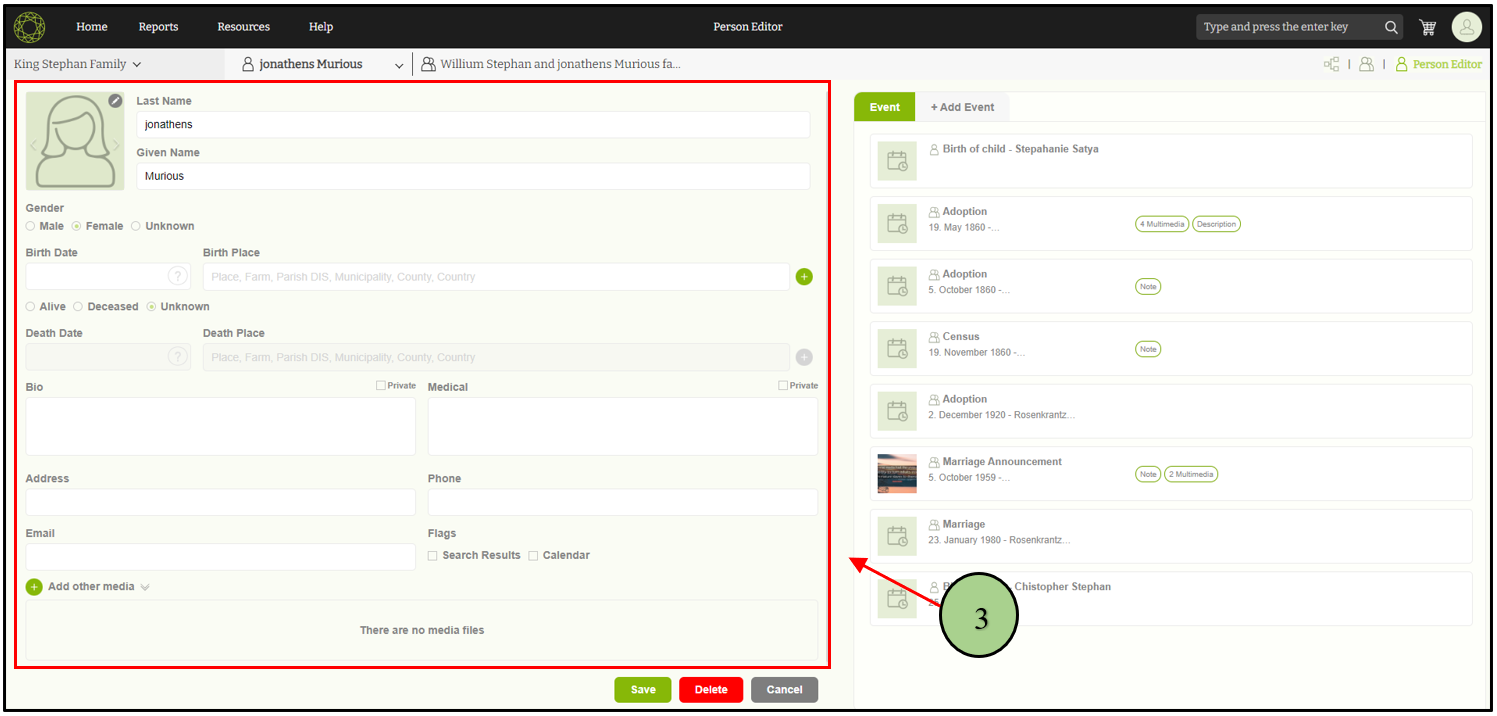
3. When clicking on the “Edit” person edit tab will be opened with the relevant person’s data.
Leave a Reply