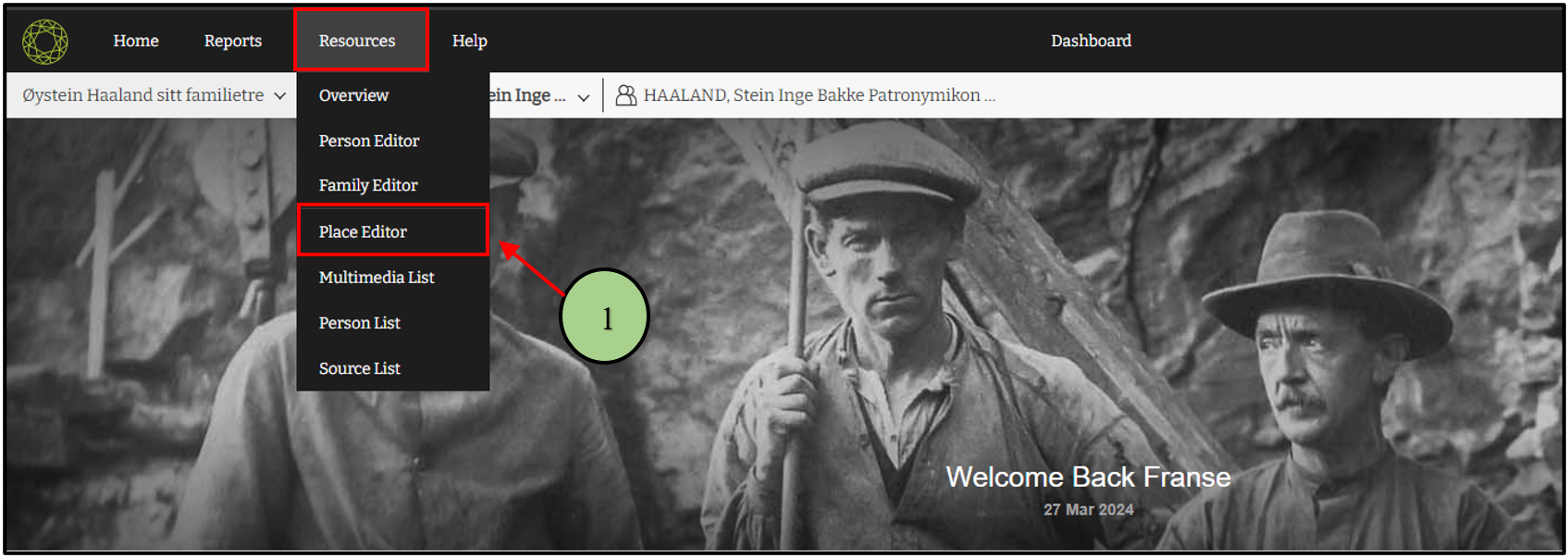
1. Users can navigate to the place list by clicking on the “Place Editor” option in the “Resources” menu.
2. Then users can view all the places connected with the family project.
3. Users can search the existing places by the search option.

4. Users can add a new place from the “Add Place” tab.

Leave a Reply