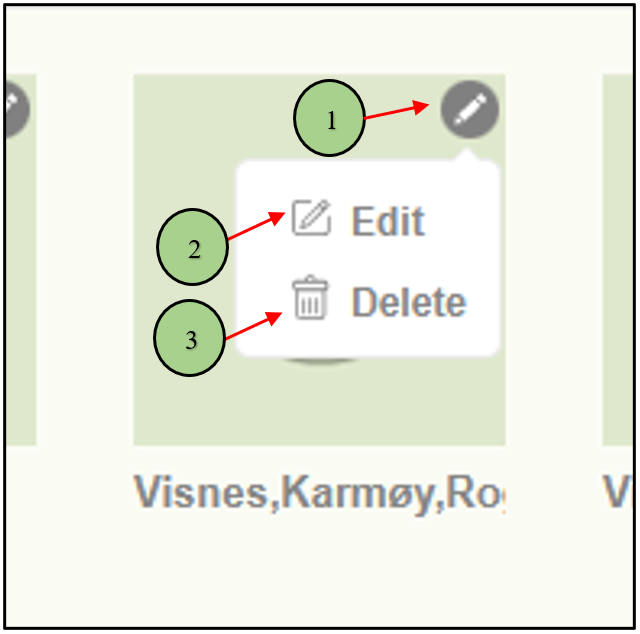
1. When clicking on the pencil icon of a specific location, two options will be displayed.
2. One for editing the location.
3. Another one for Delete the location.
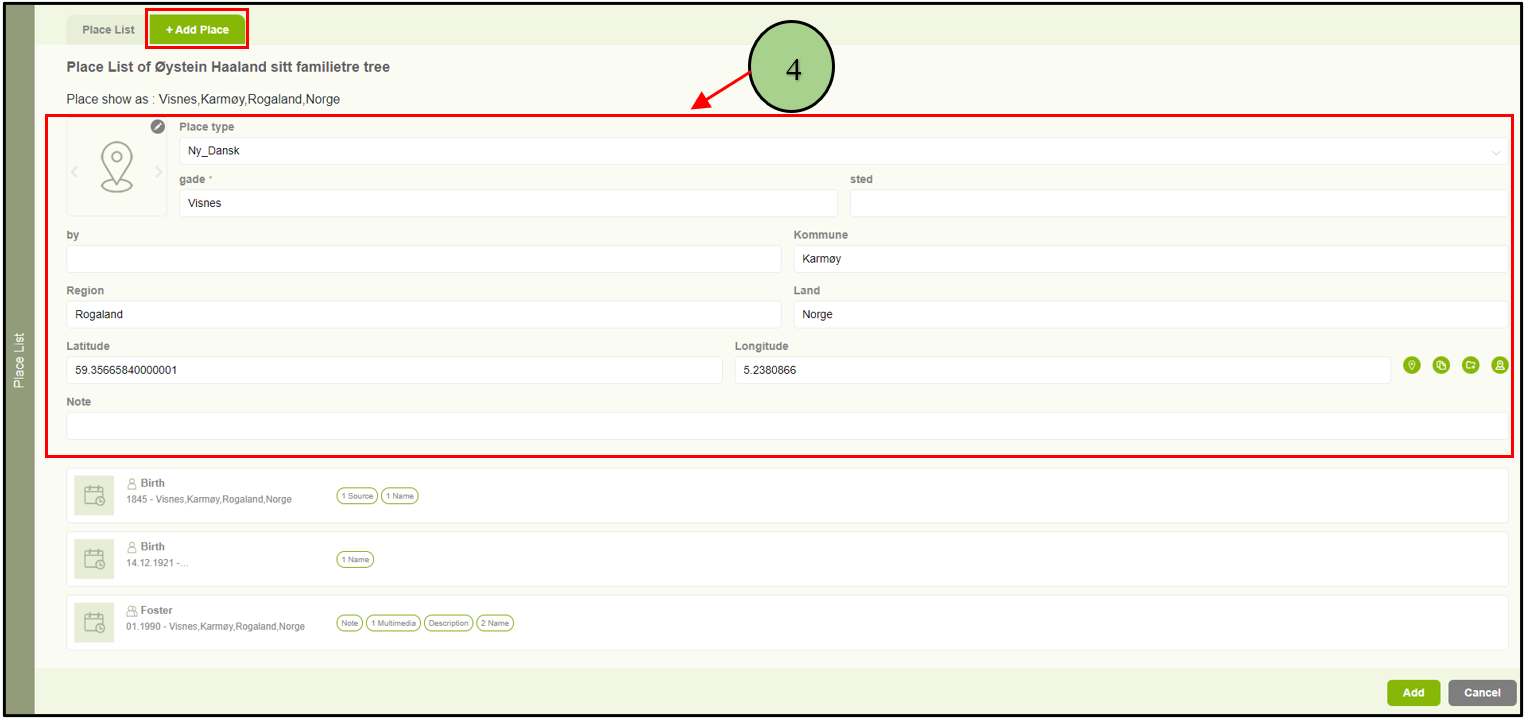
4. Users are able to edit a location by clicking on the “Edit” option. Then the user will be navigated to the “Add Place Name” tab with the available data.
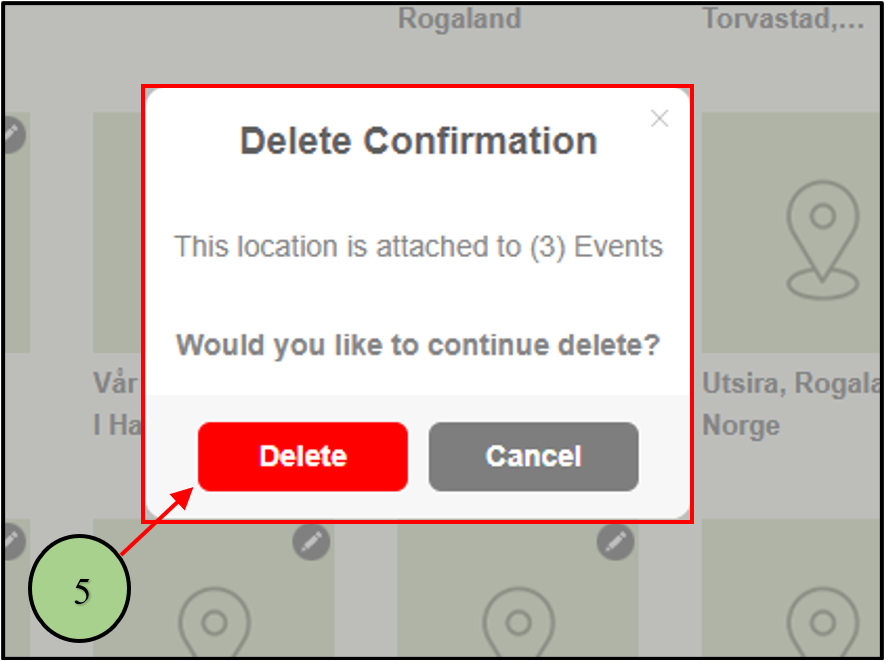
5. When clicking on the delete option, a confirmation message will be displayed in order to get the confirmation to delete the location.
Leave a Reply