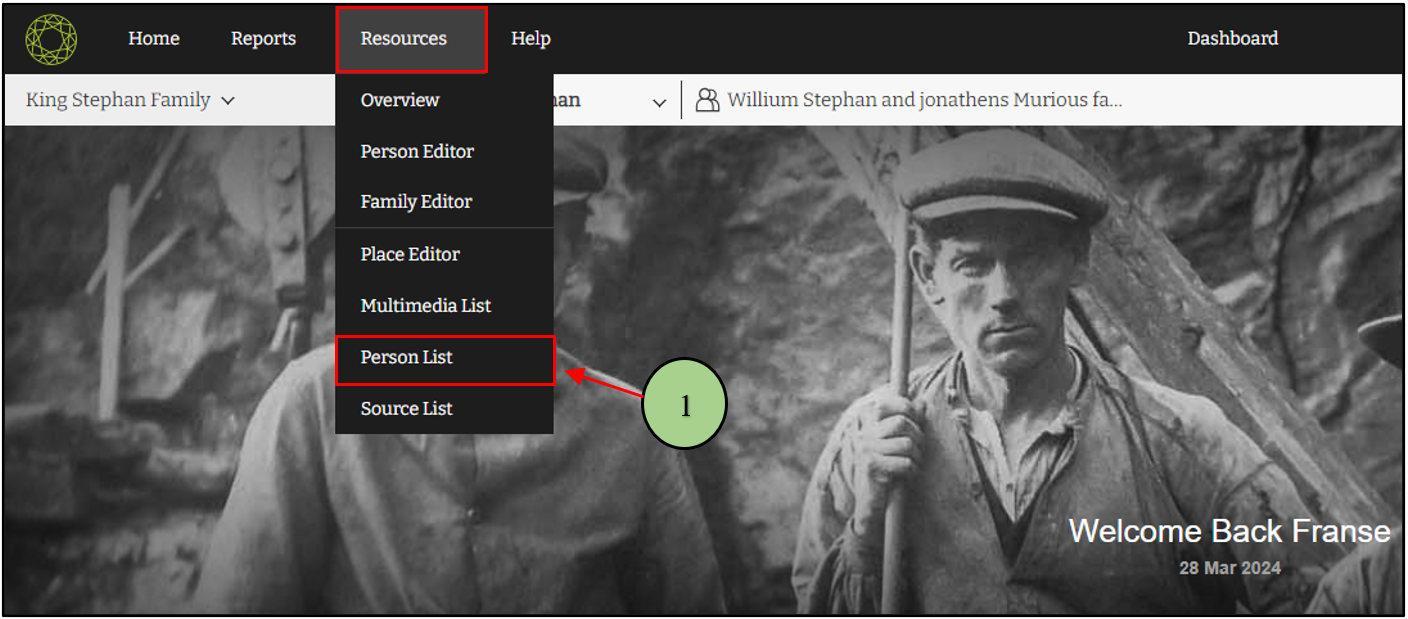
1. Users can view the people list by clicking on the “Person List” option from the “Resources” menu.
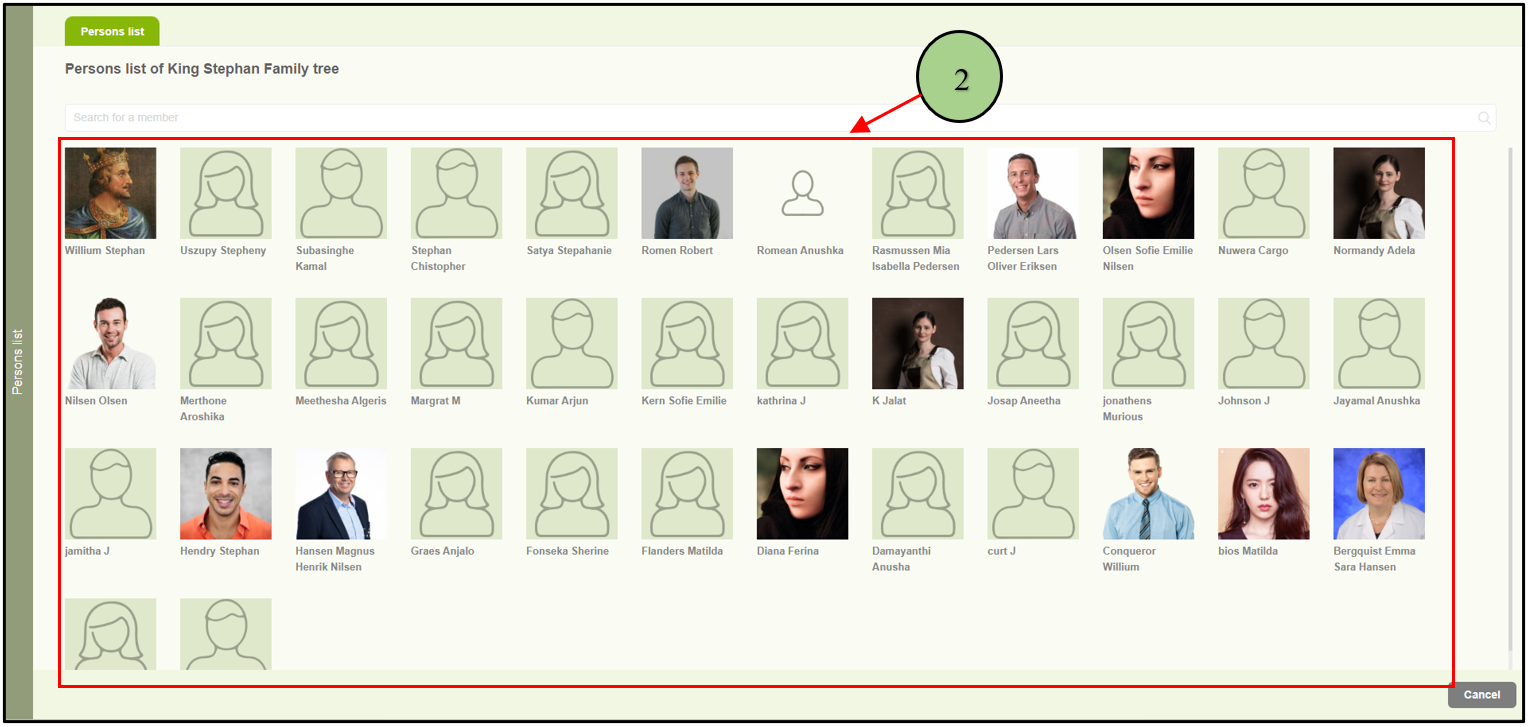
2. The person list will be opened with all the available members of the family project.
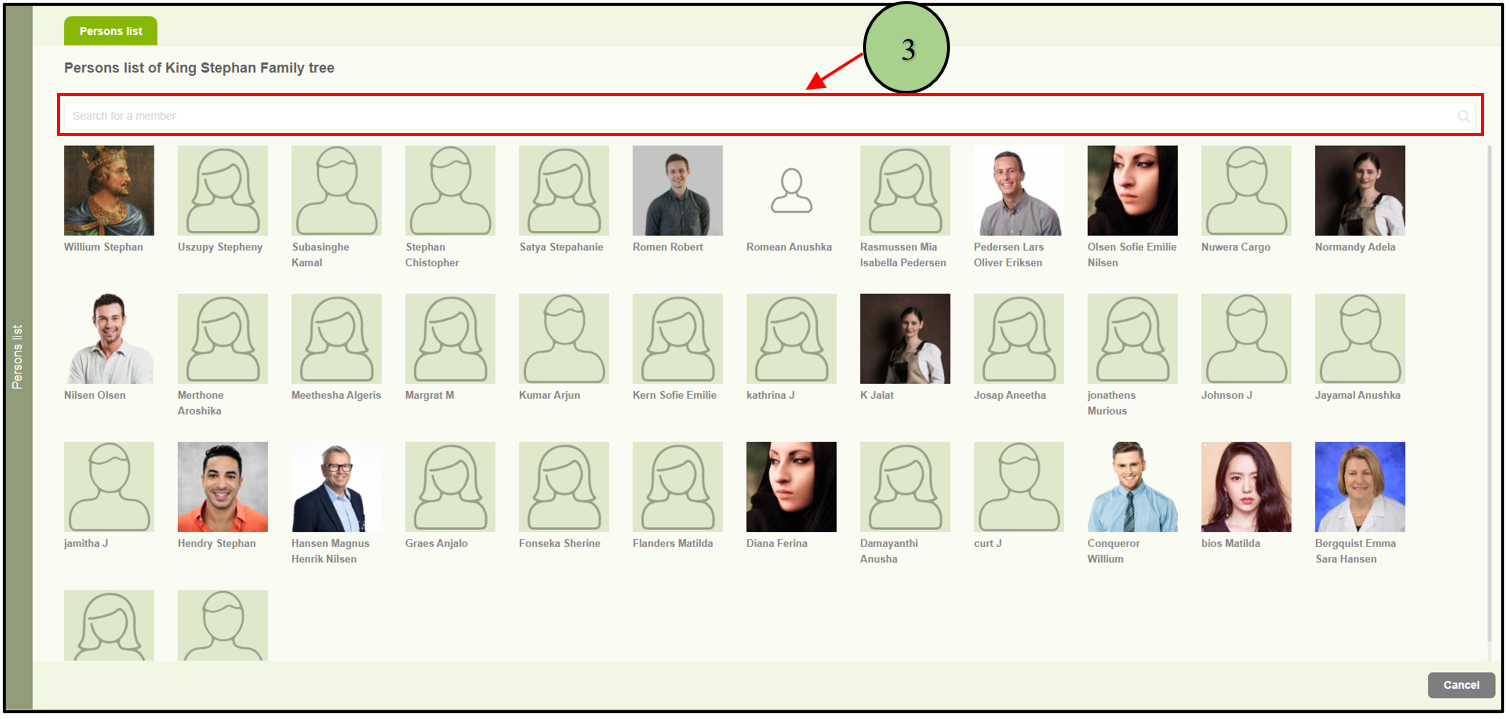
3. Users are able to search for a particular member using the search option available at the top of the page.
Leave a Reply