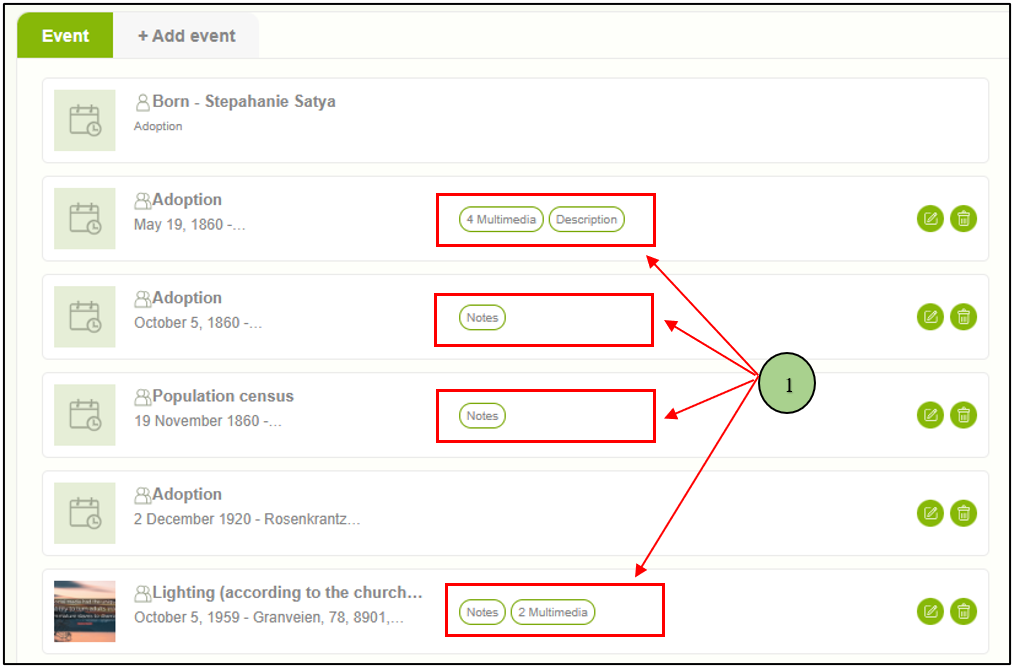
1. Users can view the attached multimedia and sources by clicking over the number of sources and multimedia sections against each event.
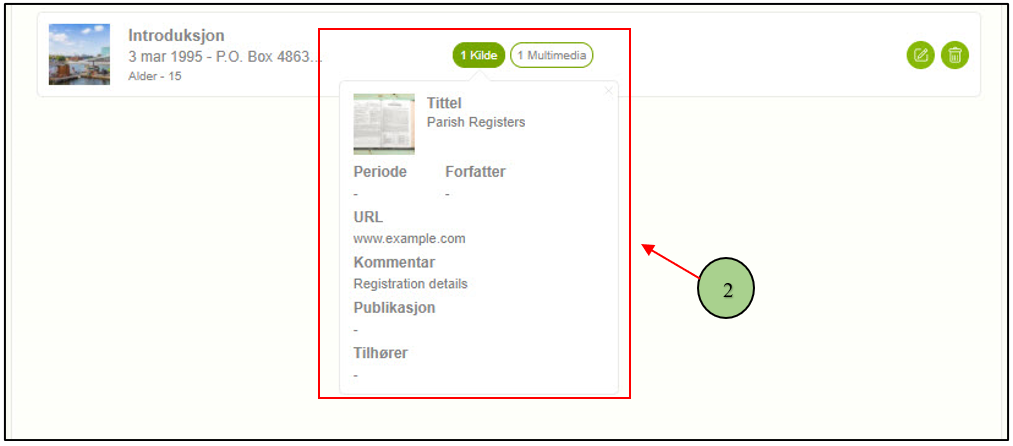
2. When clicking on each, the user can view a summary of multimedia and sources. If there is more than one item, the user can move to the next using the next arrow (>) button.
Leave a Reply