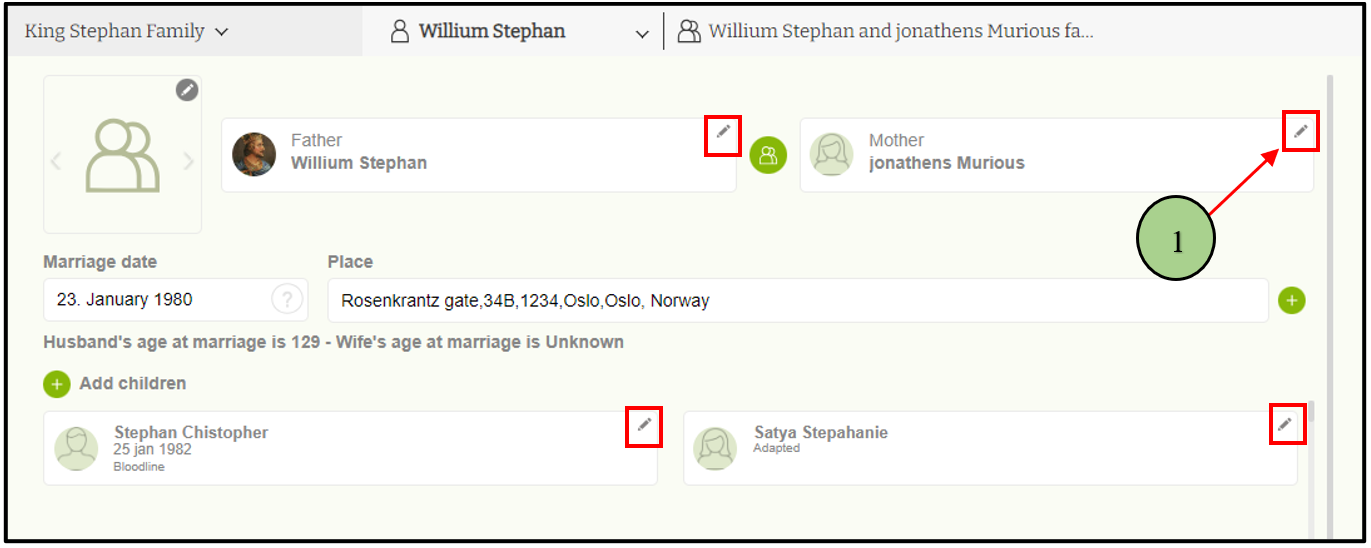
1. Users can click on the pencil icon of a relevant person.
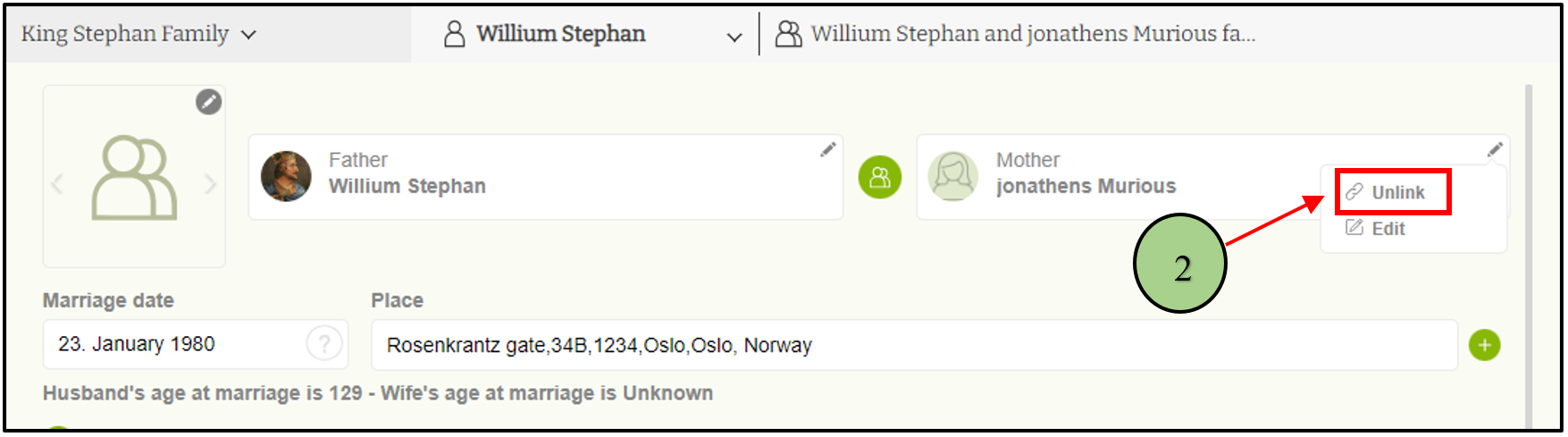
2. Click on “Unlink” option from the edit menu
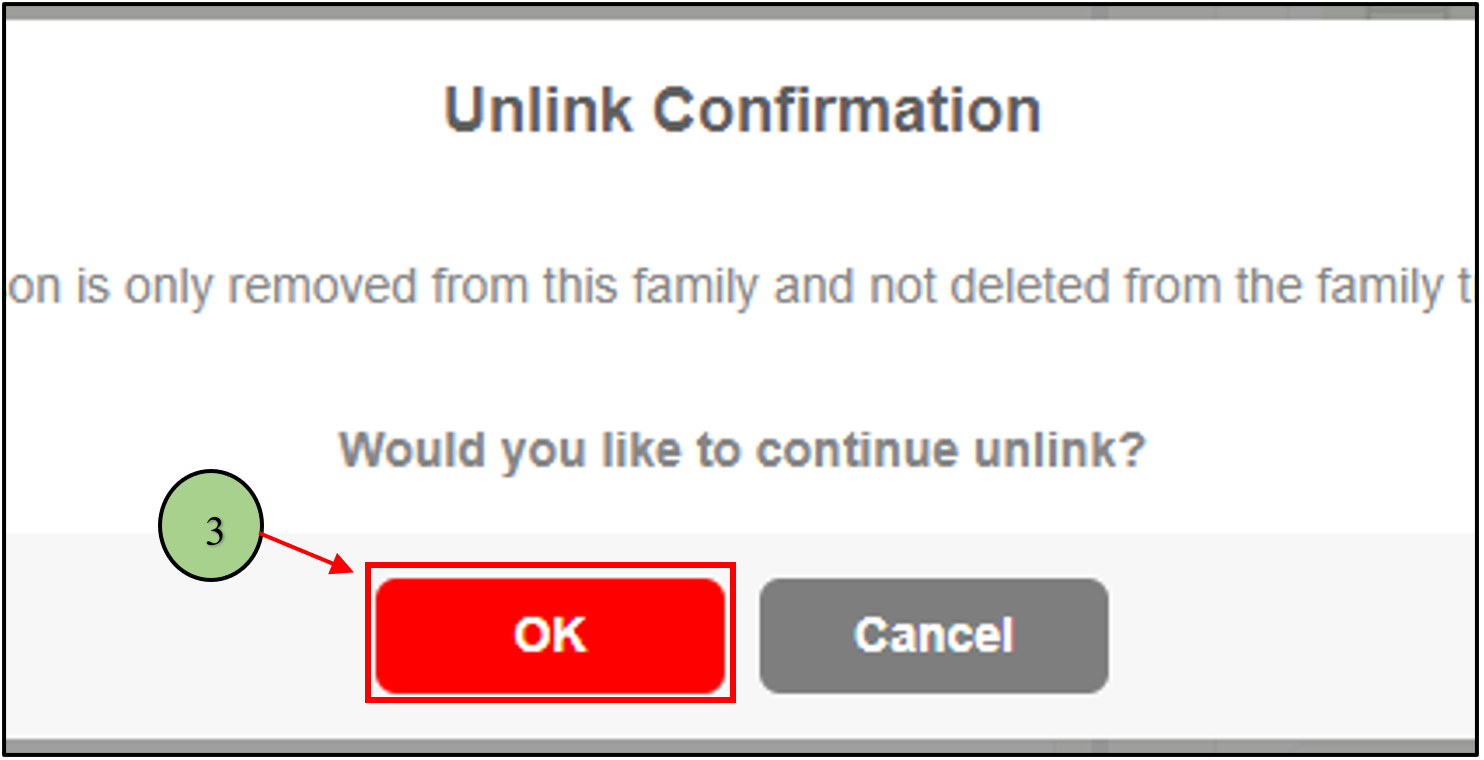
3. Then a confirmation message will be displayed, and if the user clicks “OK”, the relevant person will unlink from the family.
1. Users can click on the pencil icon of a relevant person.
2. Click on “Unlink” option from the edit menu
3. Then a confirmation message will be displayed, and if the user clicks “OK”, the relevant person will unlink from the family.
by
Tags:
Leave a Reply