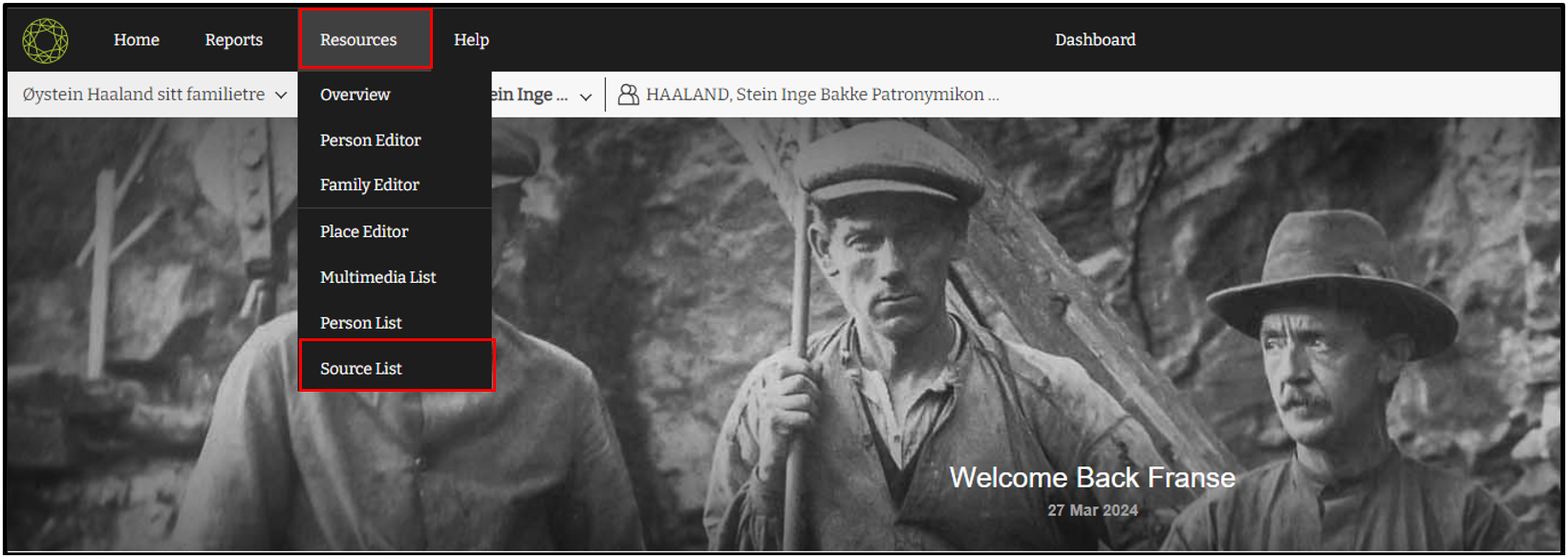
1. Click on the “Resource” tab and choose “Source list”
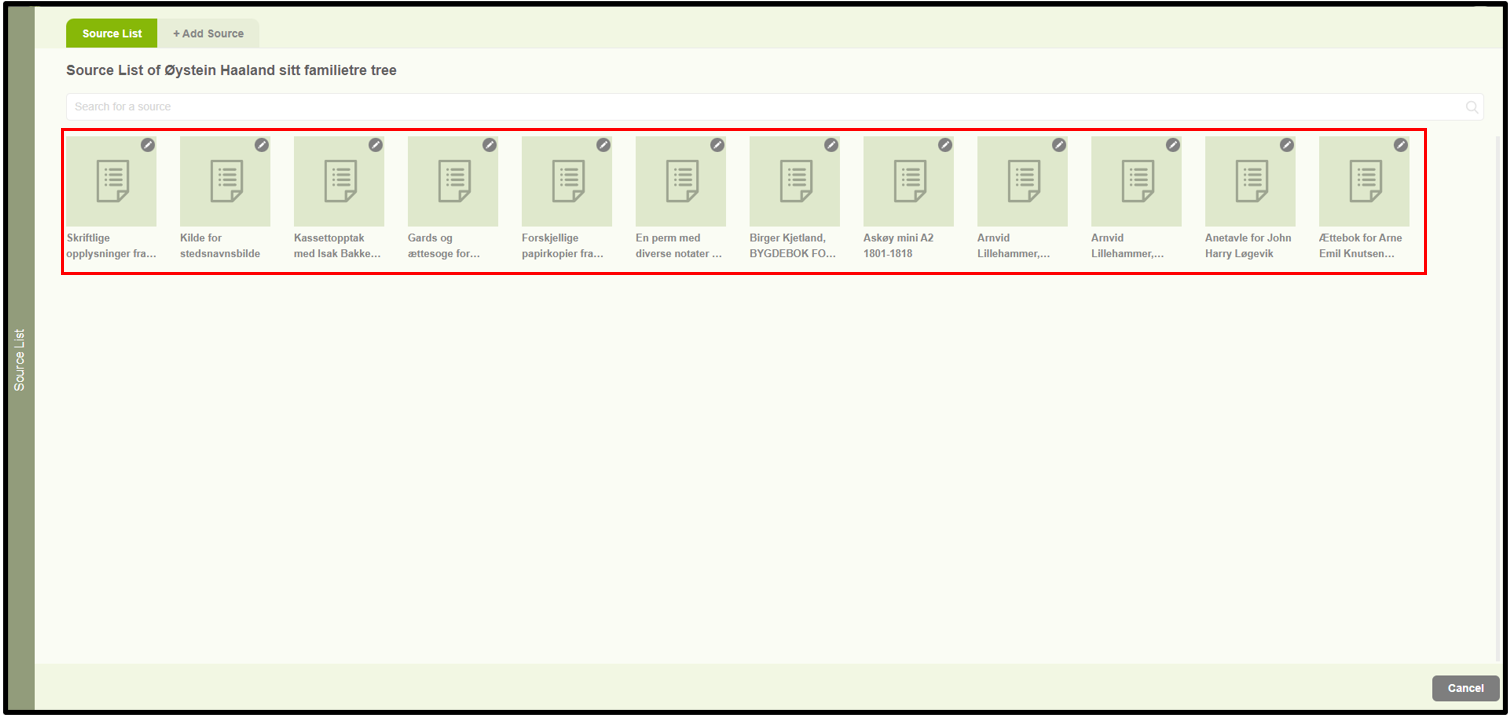
2. Then it will display the already added sources.
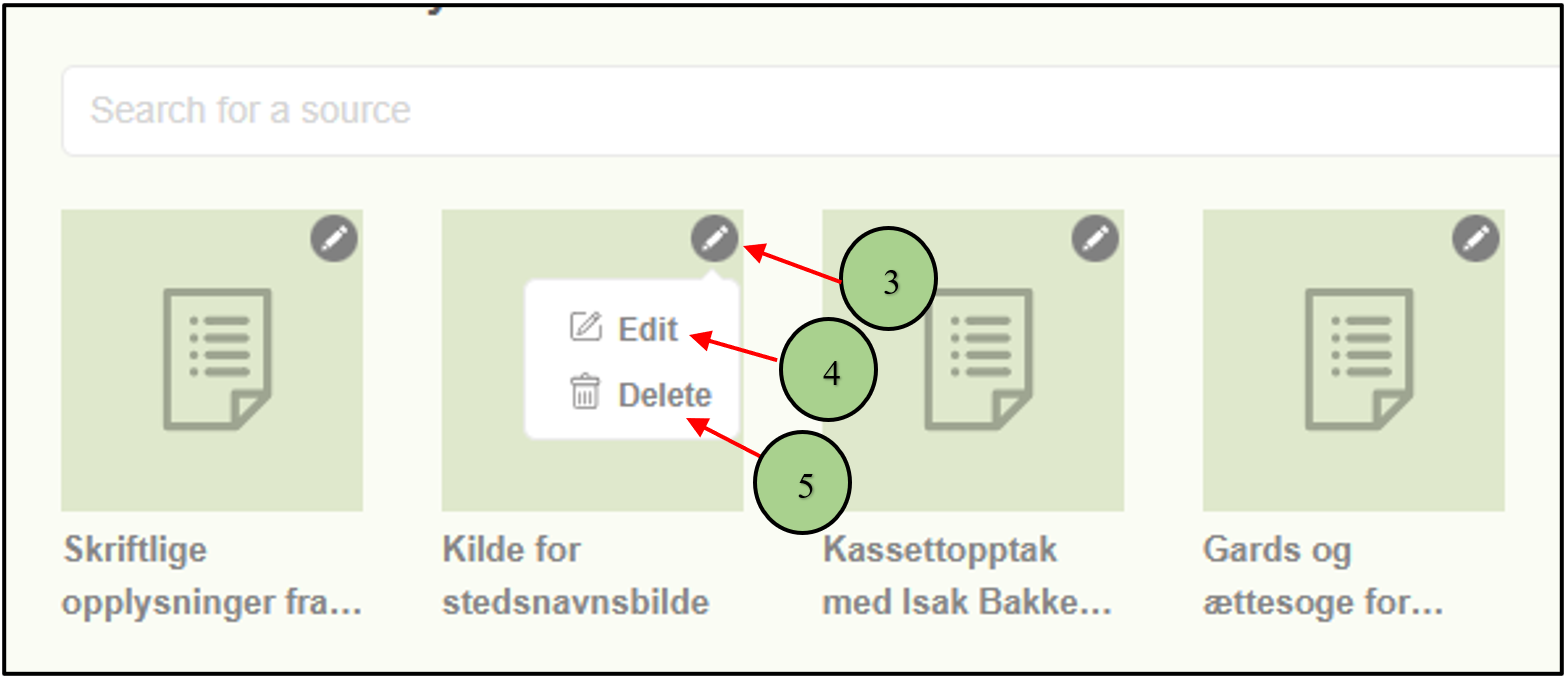
3. Then clicking on the pencil icon of a specific source two options will be displayed.
4. The first one is Edit.
5. The second one is Delete.
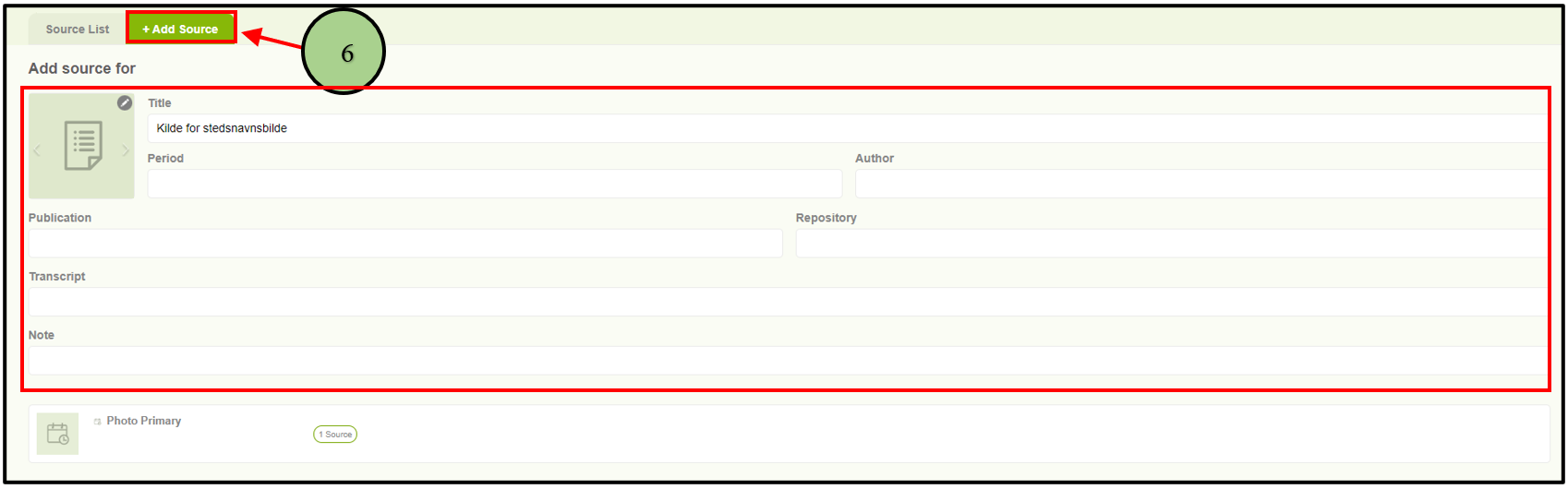
6. Users can edit a source by clicking on the “Edit” option. Then the user will be navigated to the “Add Source” form with the available data.
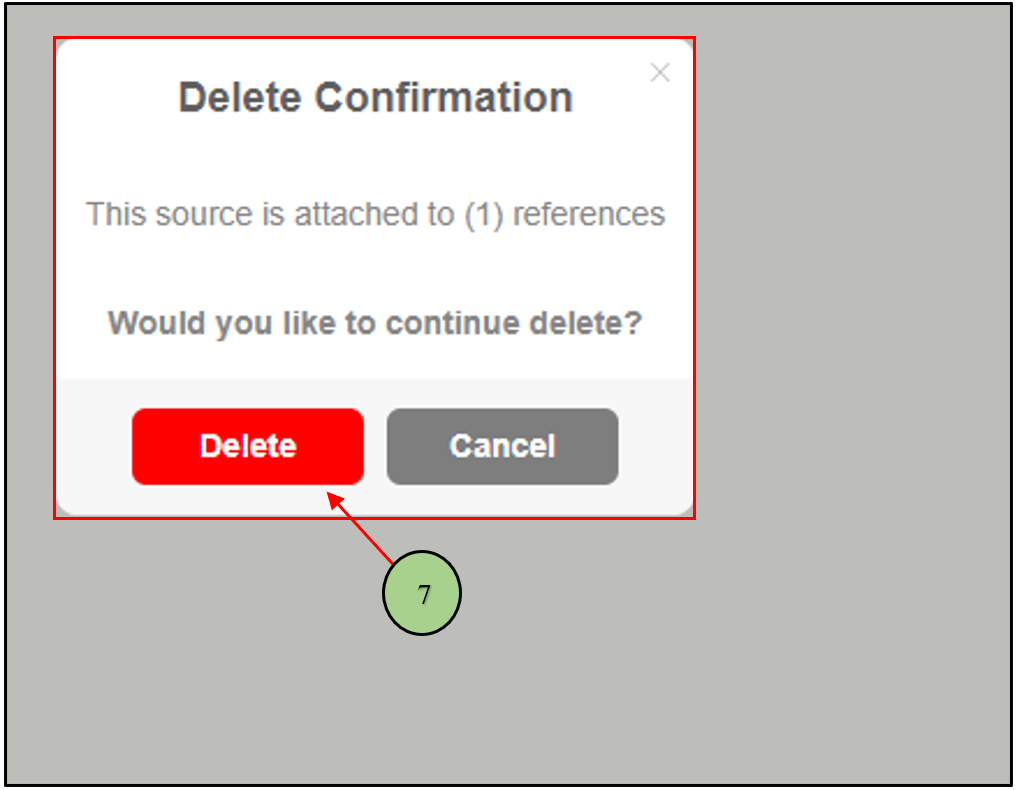
7. When clicking on the delete option a confirmation message will be displayed to get the confirmation to delete the source.
Leave a Reply