1. Users can manage family profile images using different options in the image edit feature. Click on that pencil icon.
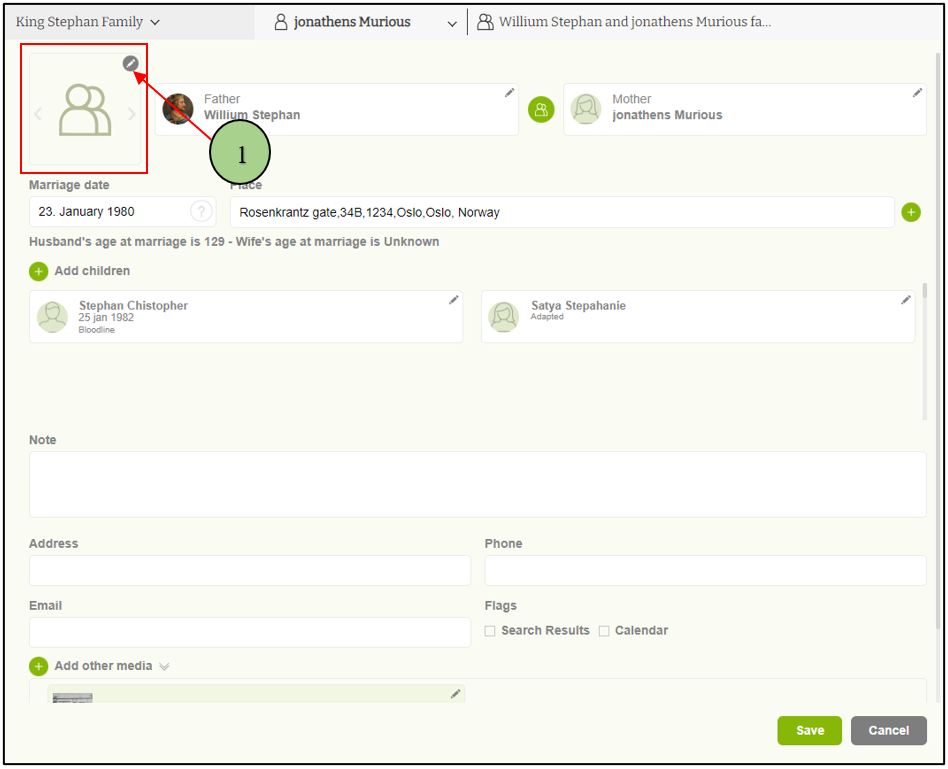
2. Initially, users can upload a new image or select one from the gallery.
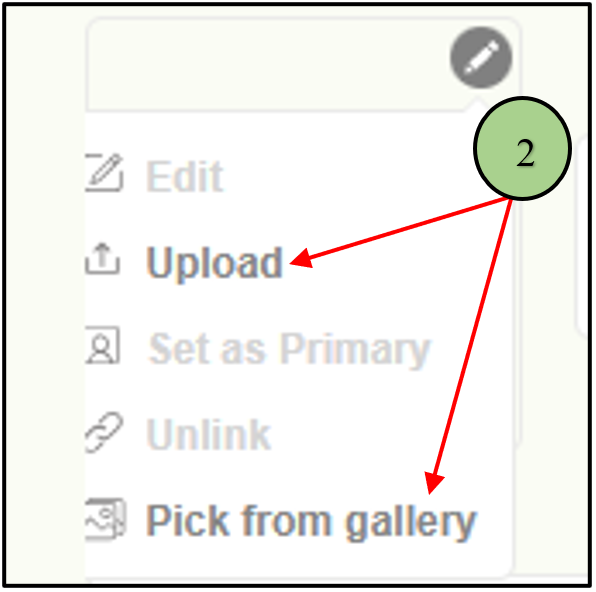
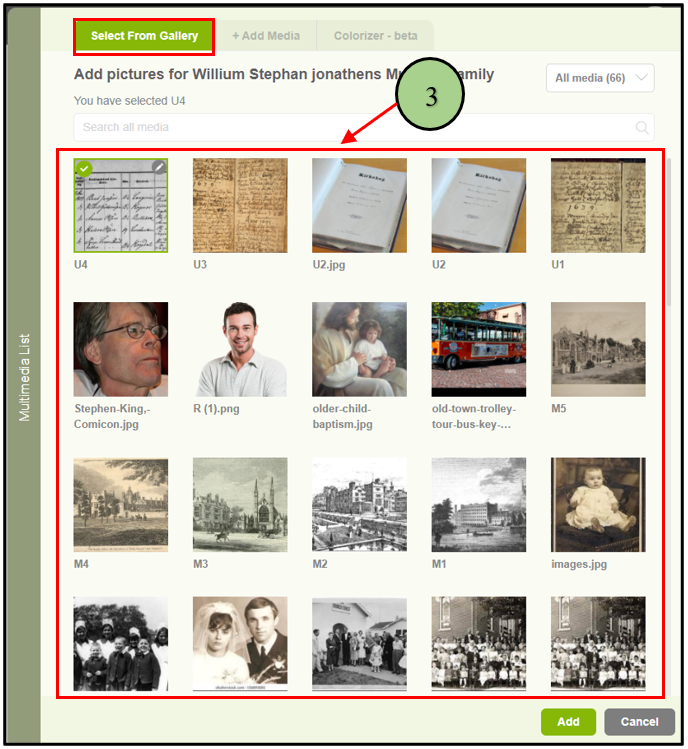
3. If the user is going to upload an image from the gallery, a popup will be opened with the existing images where they can select an image from the list.
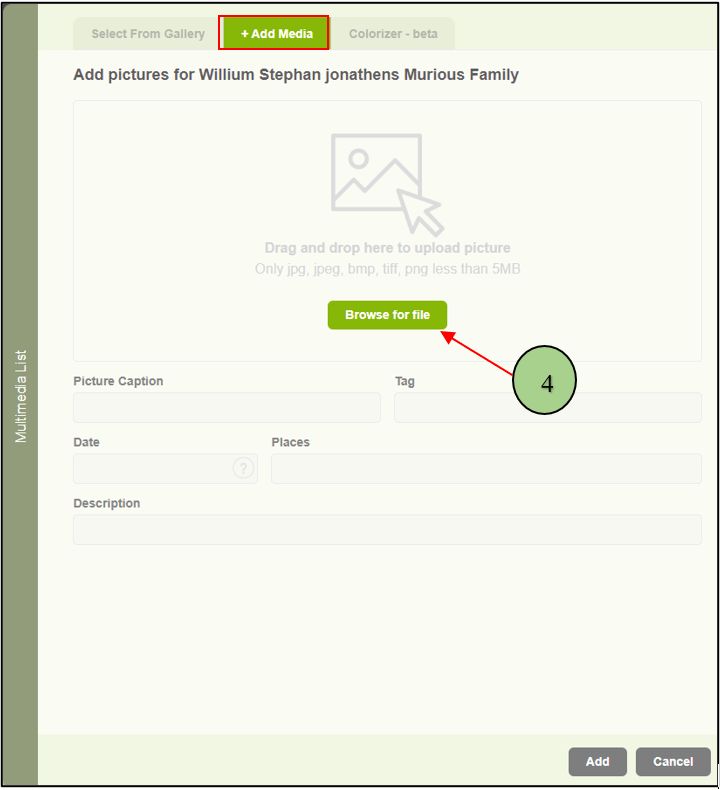
4. Otherwise, user will be able to upload a new image from a local machine.
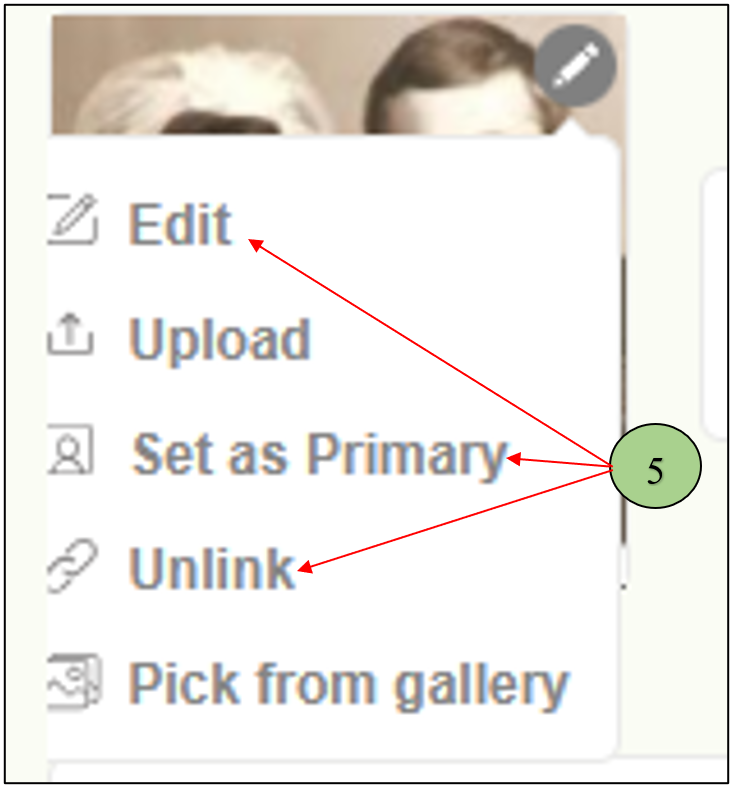
5. Once uploaded the image is the user can see different options to manage the profile image. Edit, Setting the image as the default, and Deleting are the main features.
Leave a Reply