1. Users can add multimedia content by selecting the “Add” button (+).
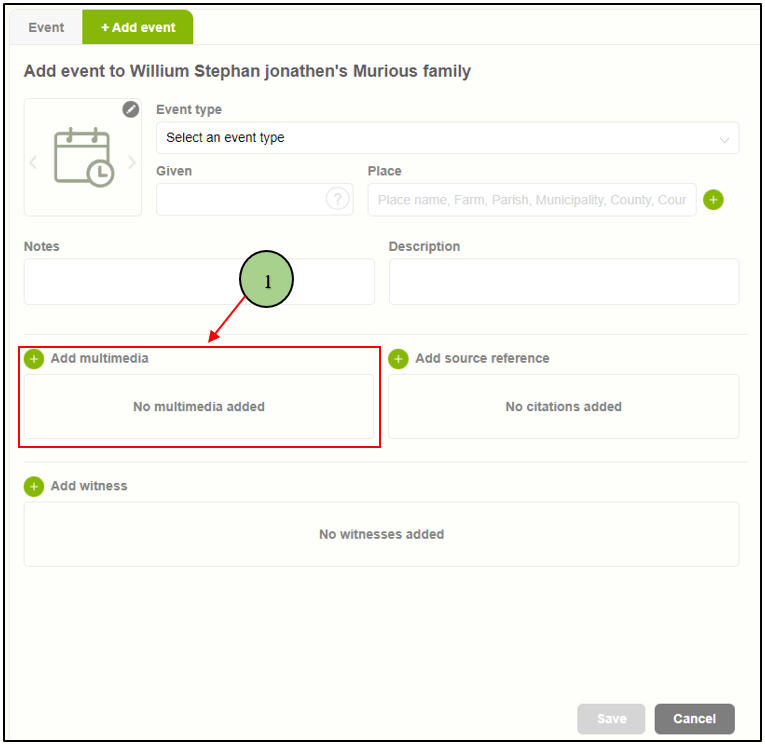
2. Upon clicking the “Add Multimedia” button, a pop-up window will appear presenting two tabs. The first tab, titled “Choose from Gallery,” allows users to browse existing media files and select one.
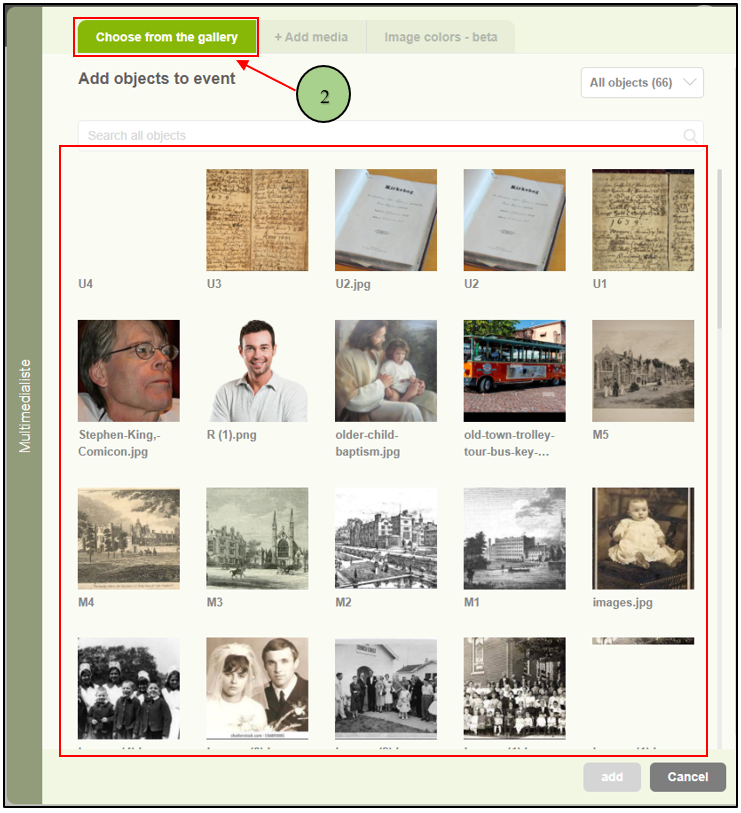
3. The second tab, labeled “+ Add media,” enables users to either browse their device for multimedia files or utilize the drag-and-drop feature to upload files directly. Supported file formats include jpg, jpeg, BMP, tiff, png, wav, mp3, MPEG, ms word, RTF, txt, pdf, plain, doc, Docx (less than 5MB), as well as mp4 and avi formats (file size must be less than 15MB).

Leave a Reply