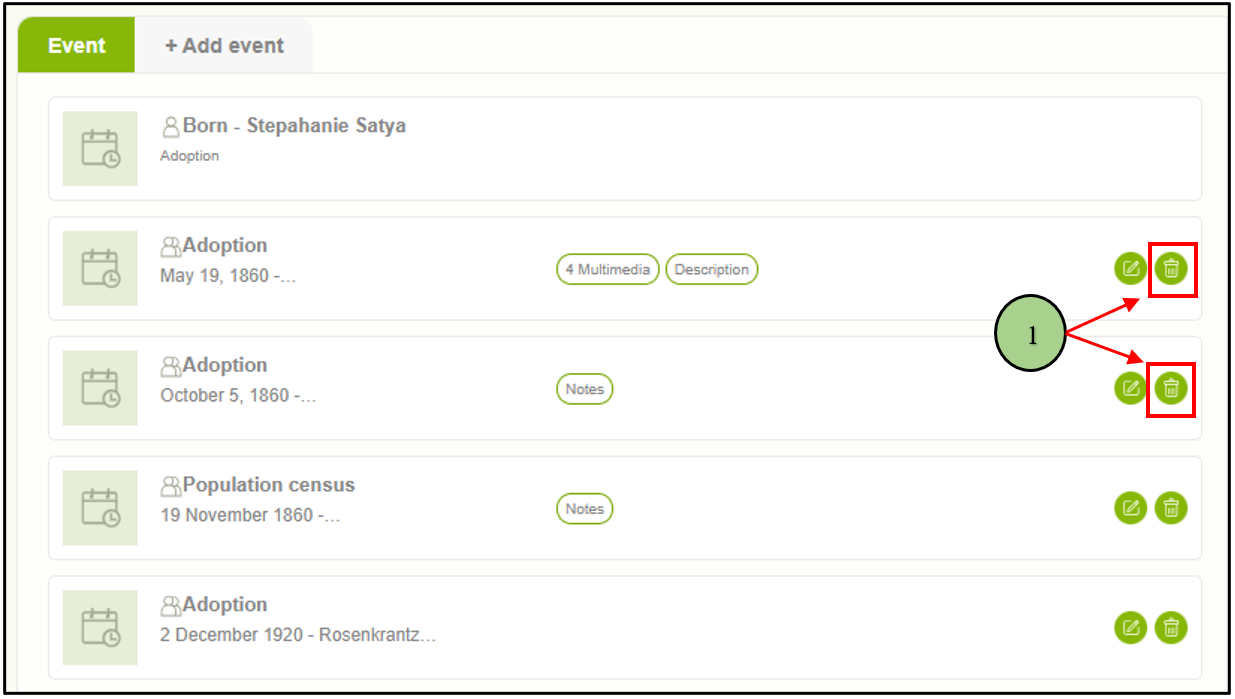
1. Users can delete events by clicking the delete icon associated with each event entry.
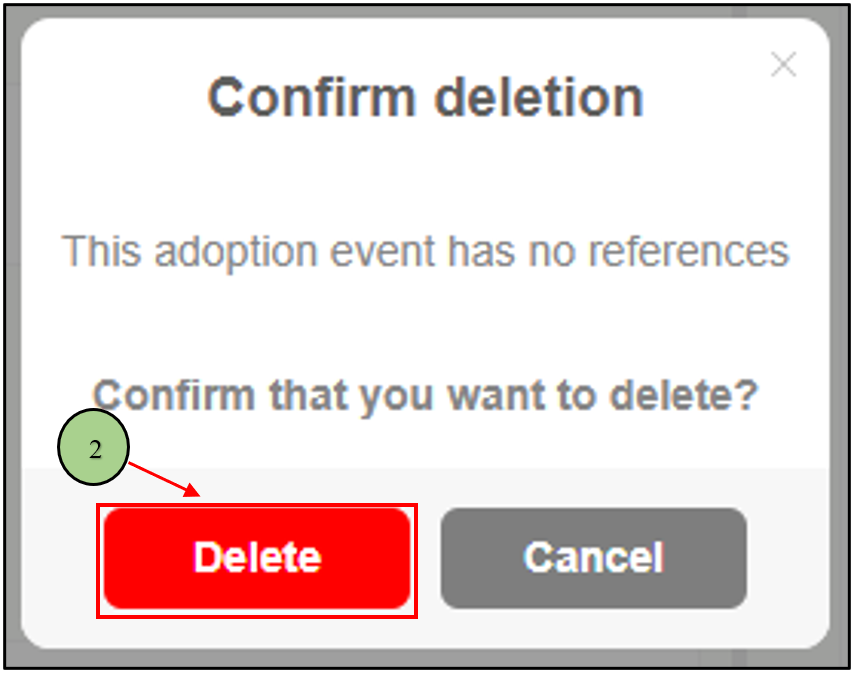
2. Upon clicking the delete icon, a confirmation message will be displayed, prompting the user to confirm their action. Subsequently, the user can proceed by clicking on the “Delete” button to permanently remove the event.
Leave a Reply