1. Users can add an event location by selecting the “Add place” button (+).
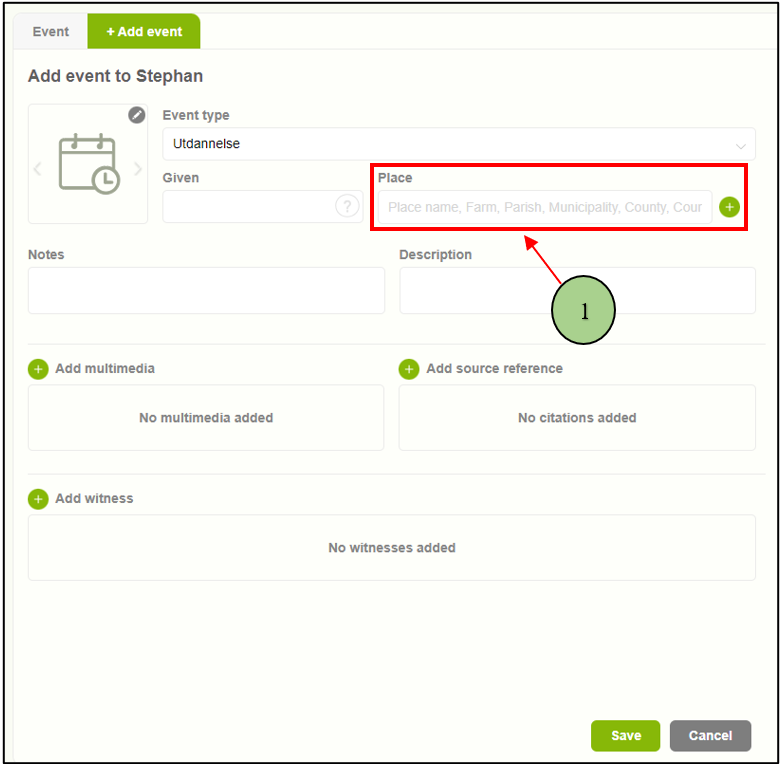
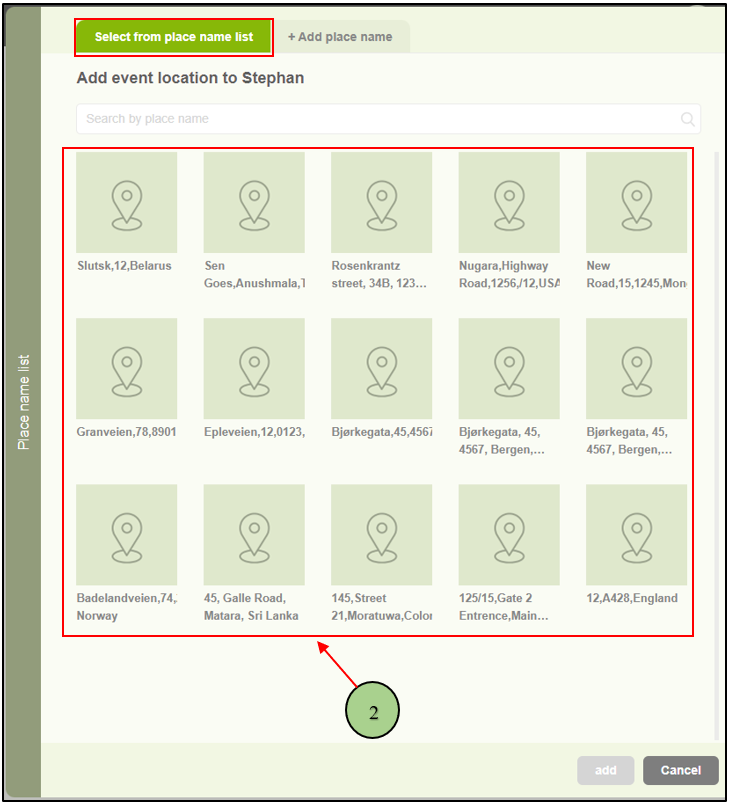
2. Upon clicking on the “Add place” button, a pop-up window will appear featuring two tabs. The first tab allows users to choose from existing locations.
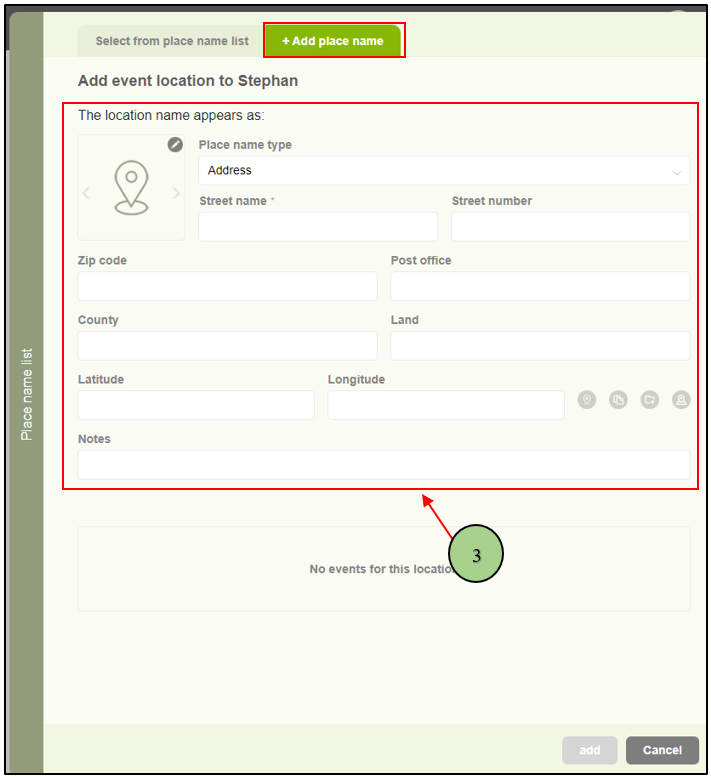
3. The second tab enables users to add a new location.
Leave a Reply