
The place name form can be opened in several different ways:
- By clicking on the image of the place name in the button row.
- By right-clicking an entry in the place name quick list.
- By double-clicking on a place name in the place name list while the Place name form is displayed.
It is in the Place Name Form that you document the history of the farm, place, place etc.
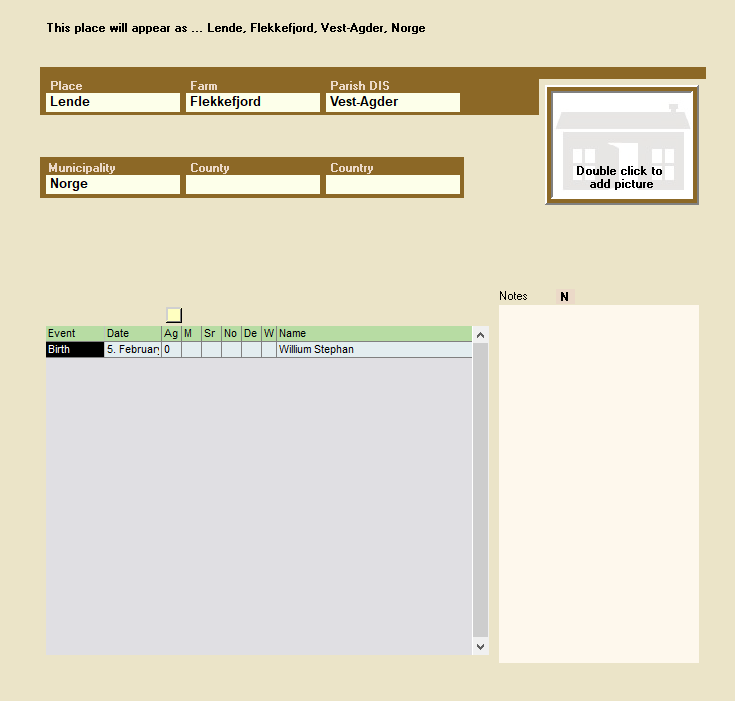
Six fields for one place name
In Embla Familie og Slekt you can build a place name with up to six levels. Here the picture shows a place name where the parts are divided into;
- Place
- Farm
- Sokn
- Municipality
- County
- Country
It is not necessary to fill in all six fields, but a place name must have at least one field with information / text.
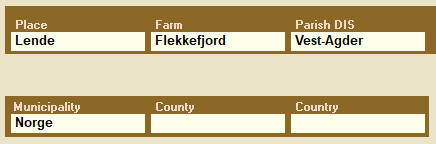
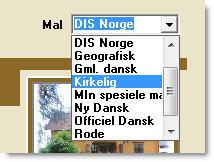
Choose the main template for place names
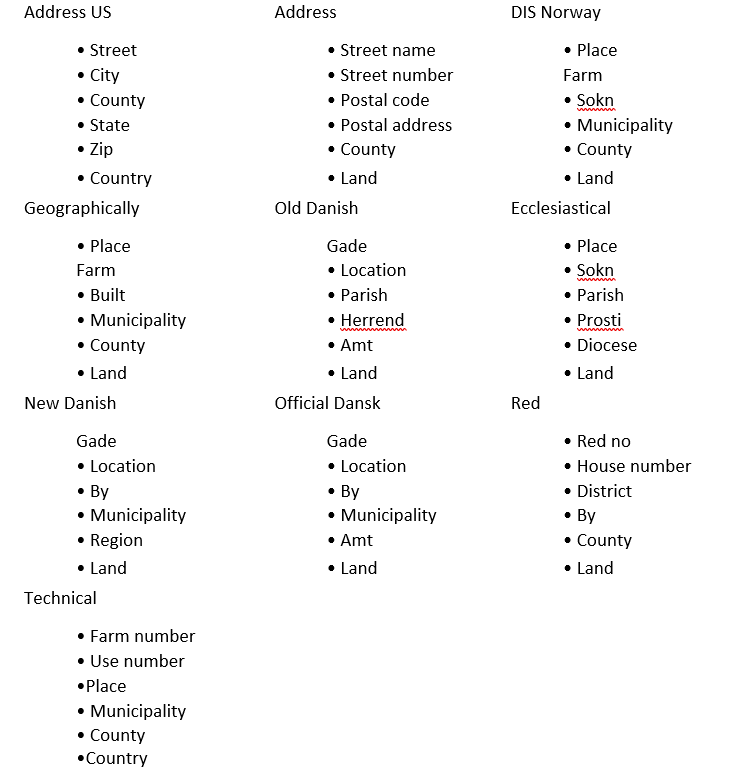
There are many ways to categorize a place name. Some place names are found in the city and are more similar to an address, while others have a more ecclesiastical connection with prostitution and the diocese. In ancient times, perhaps the place name was divided in a way that we do not have today. In order to accommodate historical changes, geographical differences etc, several “templates” for places have been added to Embla Familie og Slekt. Some templates have been added for Norwegian conditions, one for American conditions and some for Danish place names. These templates are divided as follows;
In the menu for Tools >> Template for place name, it is possible to set which main template should be used as a basis each time a new place name is created. When the program is first installed, it is the template for DIS
Norway that is active. It is possible to change the main template whenever you want, and a template follows the place name until you want to change the template.
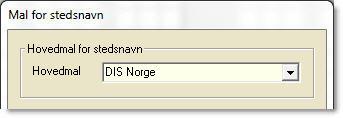
More about setting up the main place name template later in the on-screen help.
Leave a Reply