01) When the user clicks on one of the parent nodes, a popup will appear to add the parents’ first and last names. As the user starts typing a name, the ‘Save’ and ‘Member editor’ buttons will become enabled
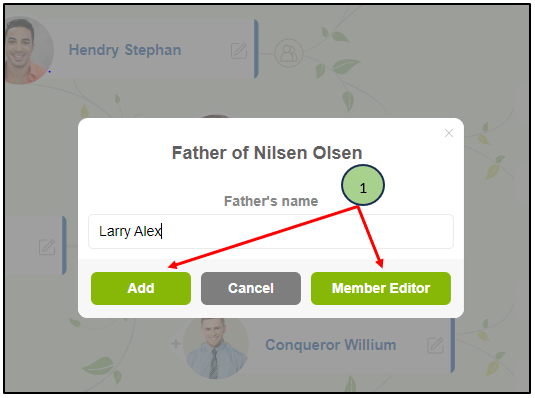
02) Click on the “Member editor” button.
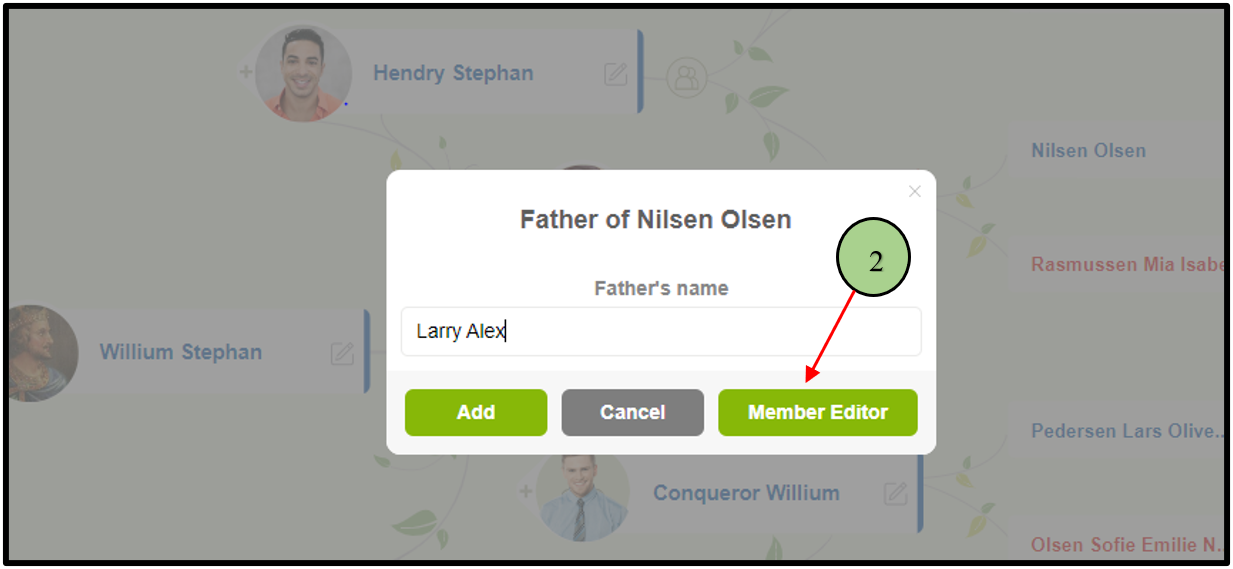
03) Then the user will be navigating to the ‘Member editor’ page with the entered name and it enables adding more details of the person.
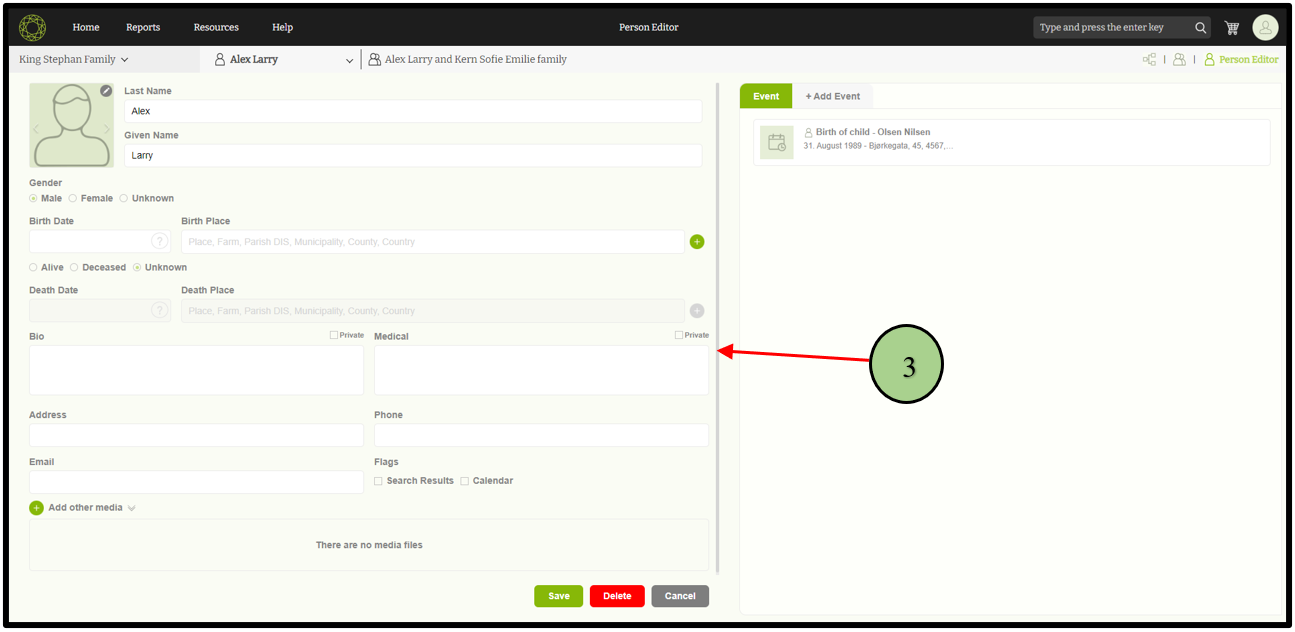
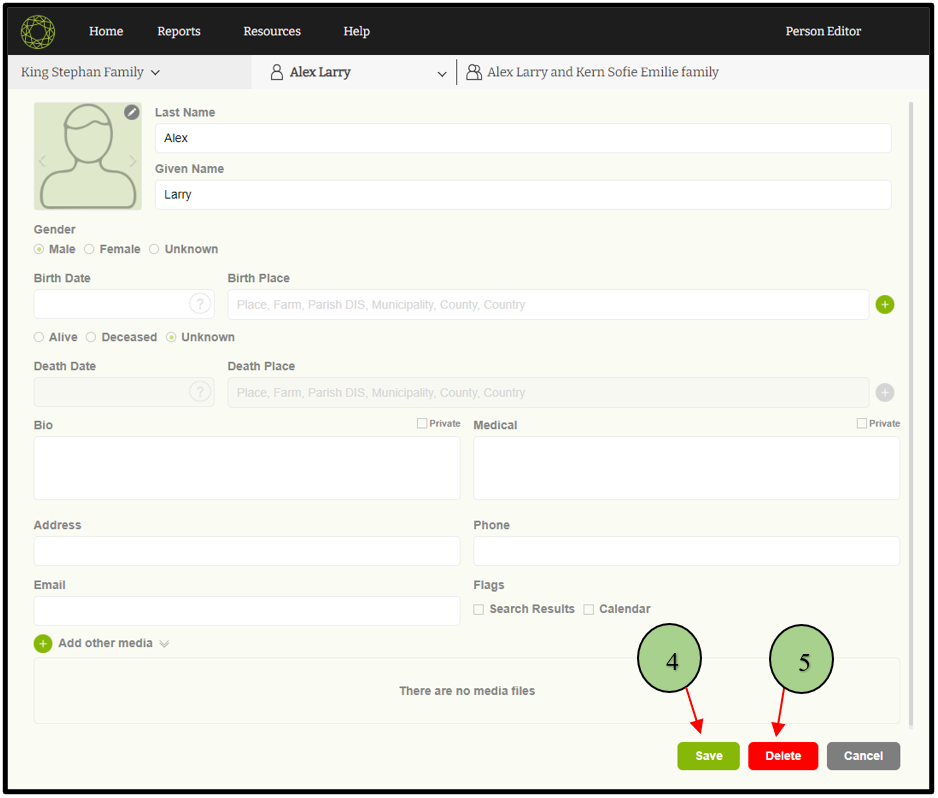
04) After adding details, the user can click on the ‘Save’ button.
05) If the user wants to remove that person from his/her records, the user can click on the ‘Delete’ button.
Leave a Reply