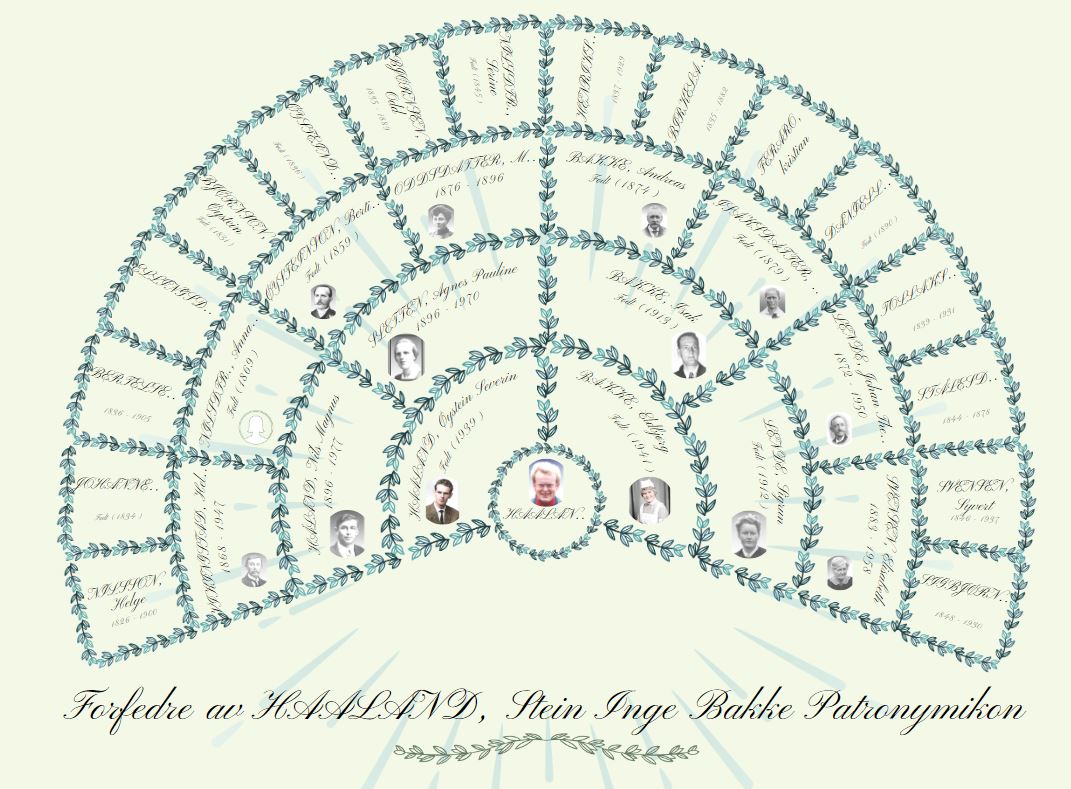
01) The Fan Chart report is rendered artistically, akin to the traditional fan chart layout. Similar to the standard ‘fan chart’ report, this variant showcases the ancestors of the root person.
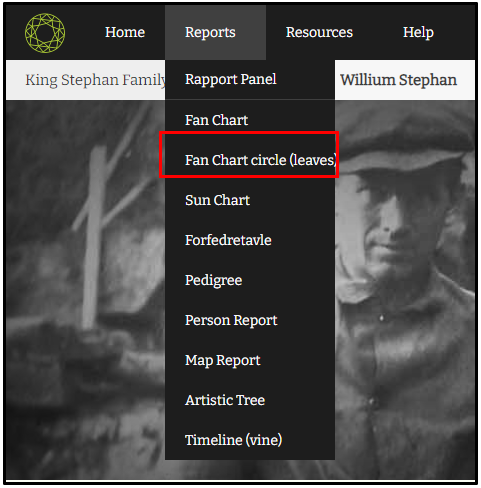
02) Users can access the fan chart by selecting the ‘Anesikel (blader)’ option from the report’s menu
03) The name of the root member is displayed at the center of the fan chart, with ancestors depicted above. On the fan chart page, users can find the tool bar located in the left corner. Much like the conventional fan chart report, users can customize the colors of the fan chart (leaves) report as well.
Leave a Reply