Change the root person through parent nodes
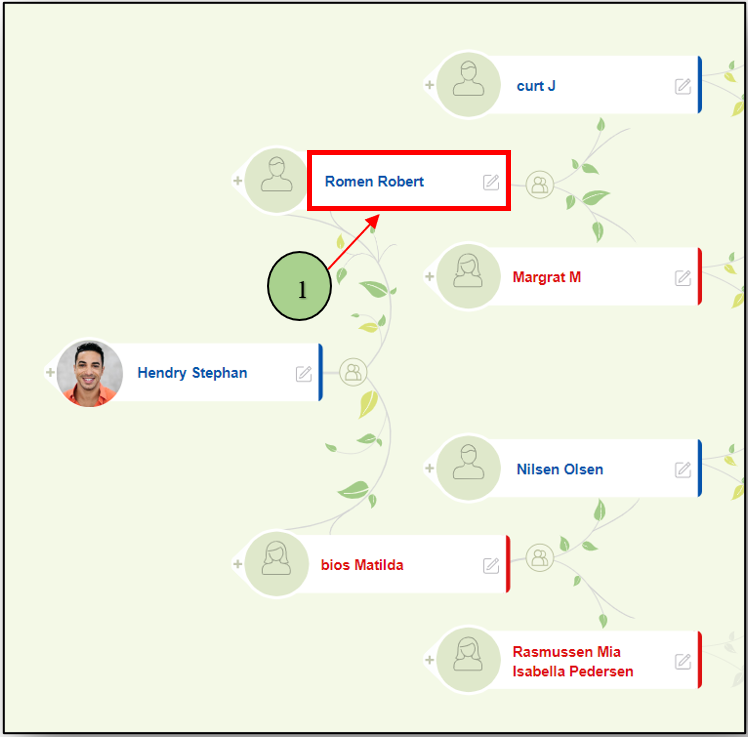
- Users can change the root person by clicking on the name in a node.
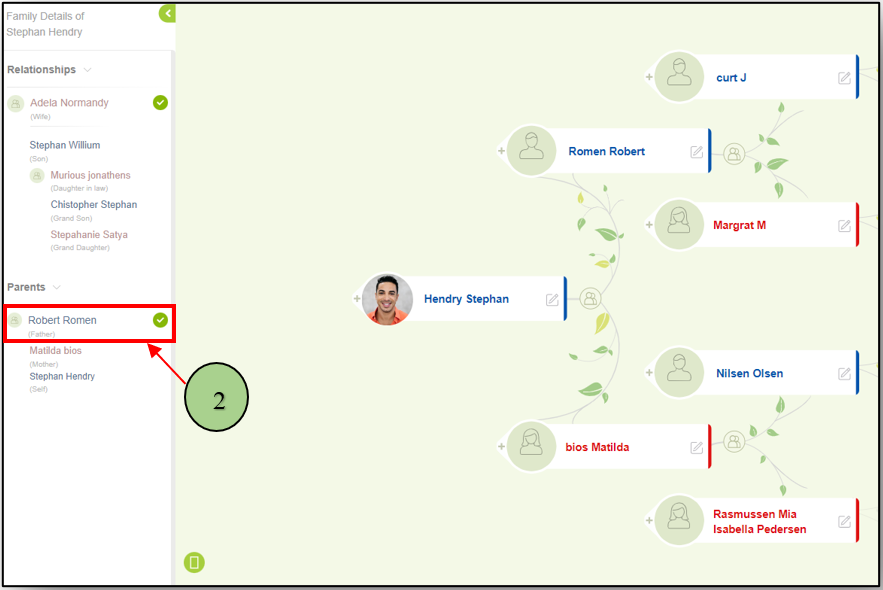
Change the root person through “Side-panel”
- Click on the name from the side panel.
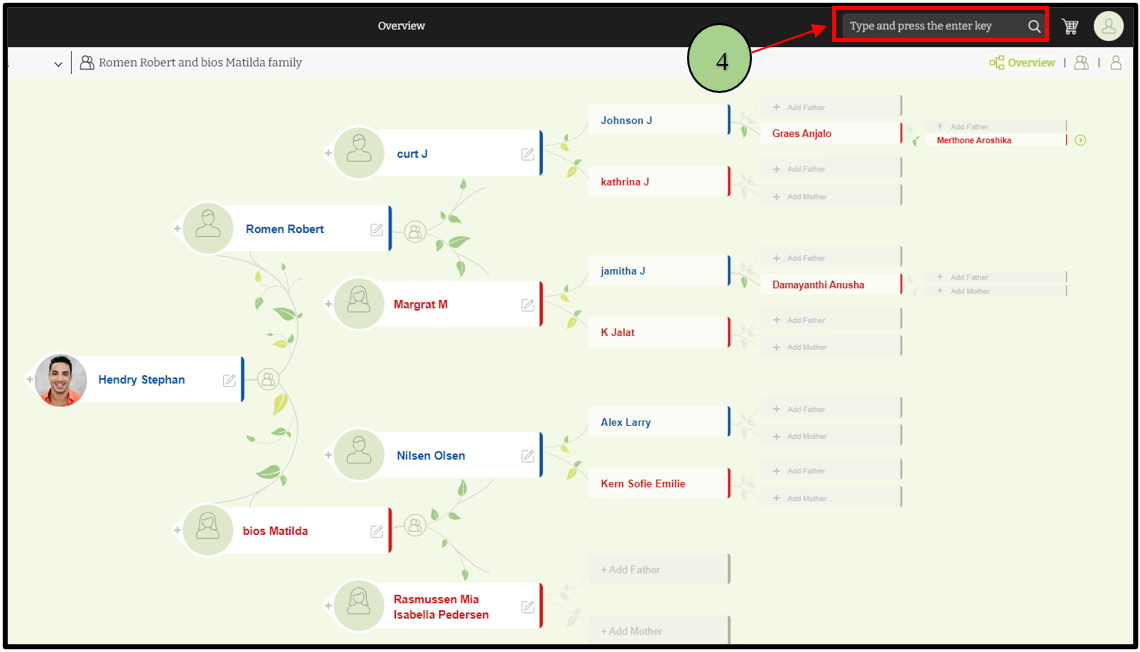
Change the root person through “Search”
- Search for the member that the user wants to make as the root person
Leave a Reply