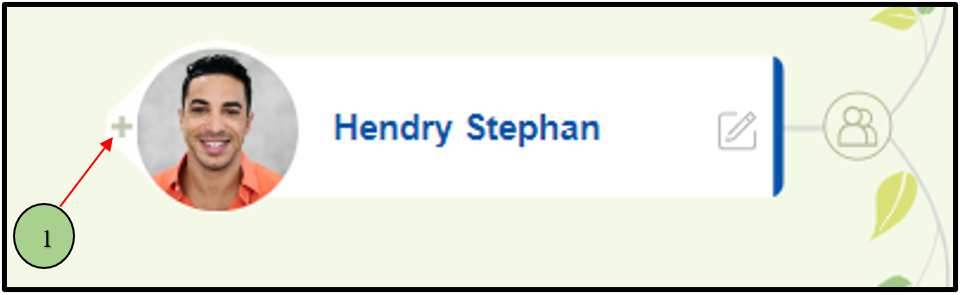
01) Users are able to add spouses, children, and siblings by clicking on the ‘ + ‘ button in each node.
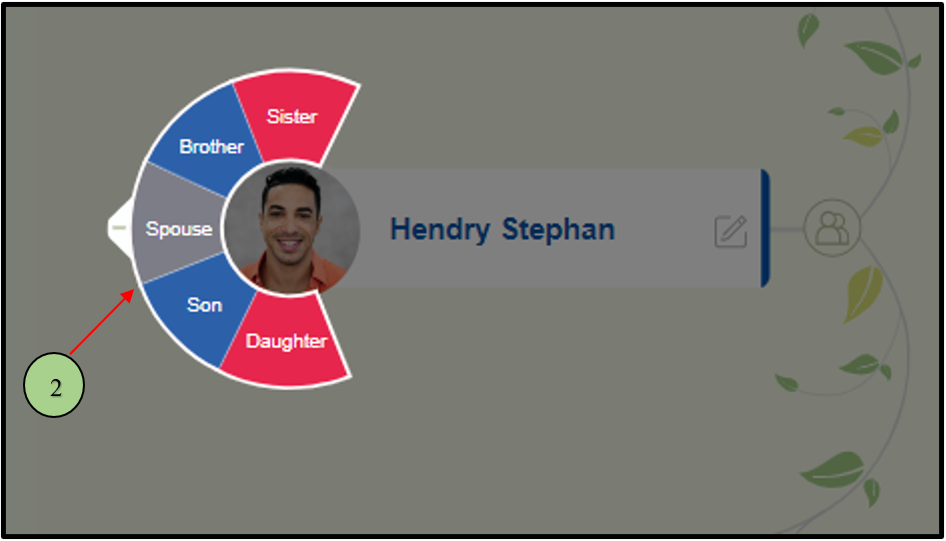
02) Once the user clicks on the ‘+’ icon, it will display a panel with Spouse, Son, Daughter, Brother and Sister options
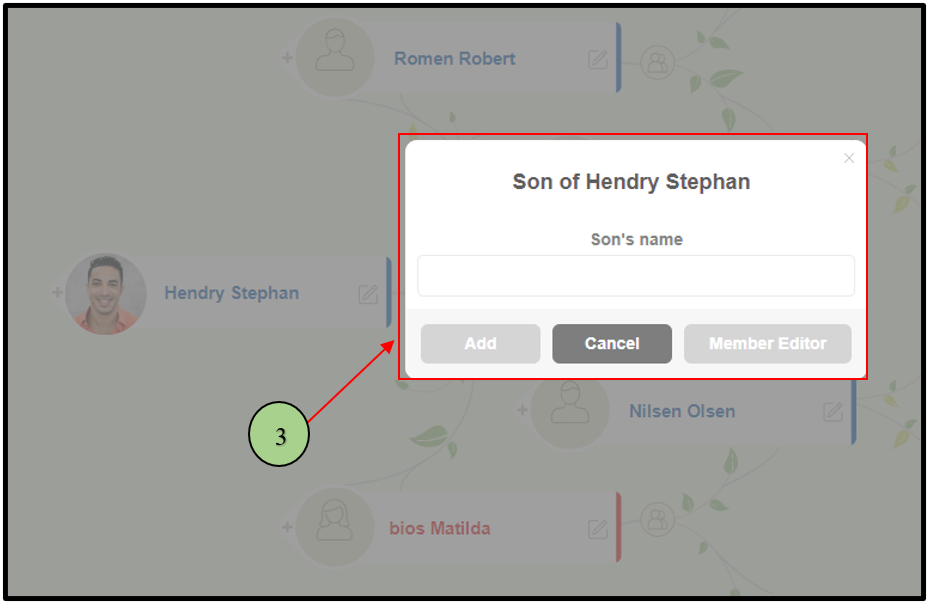
03) When clicking on each section, a ‘Quick add’ prompt will open, where the user can quickly add a person or navigate the advanced editing of the newly added person.
Leave a Reply