Clicking on the dummy image. The multimedia popup will be coming up.

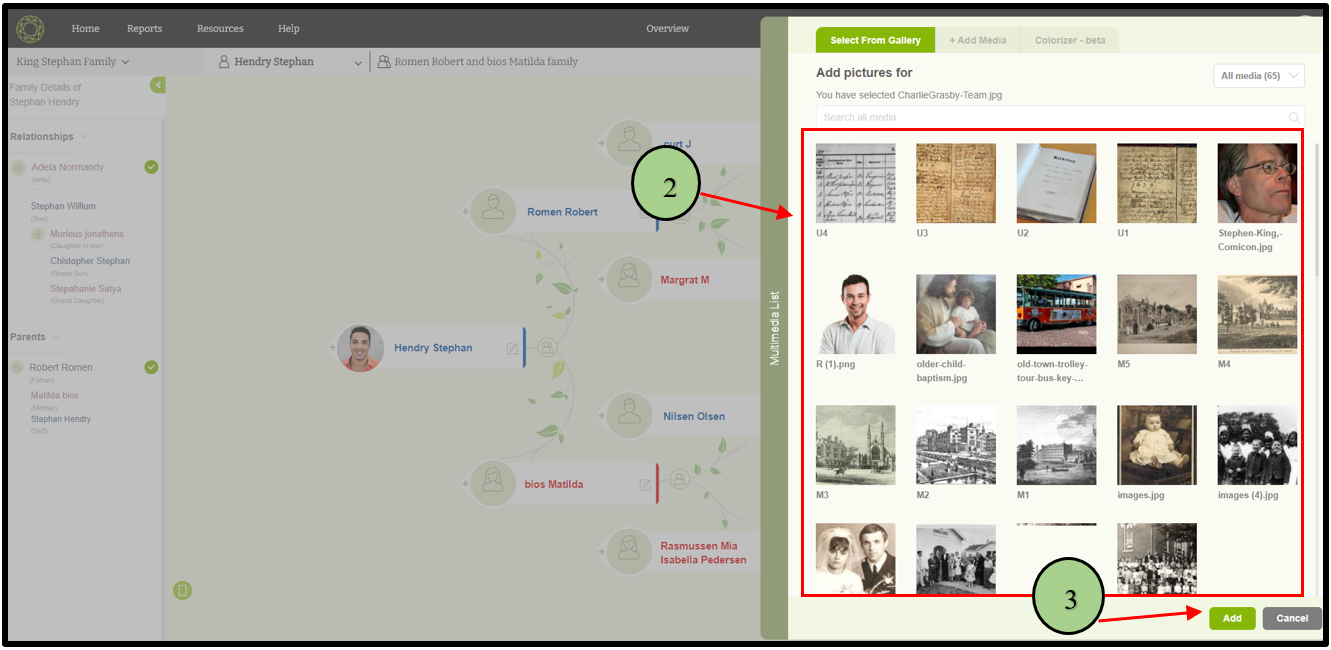
Add an existing image
01) Users can select an existing image from the media gallery.
02) Then click the ‘Add’ button to add the selected image to the member.
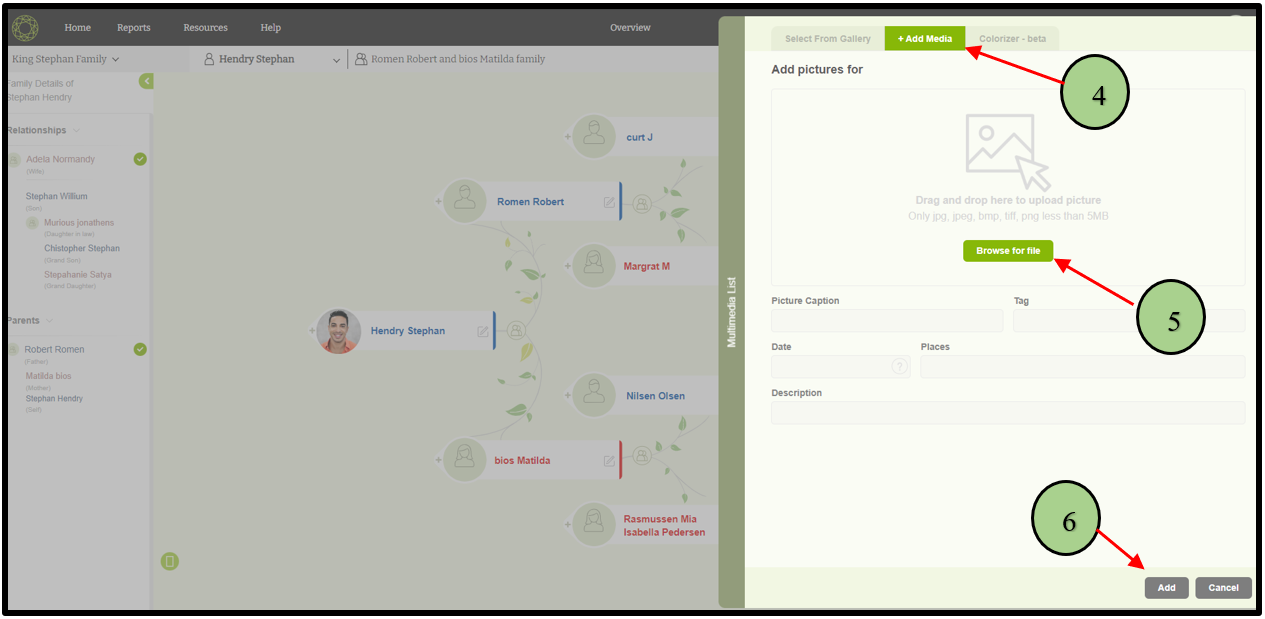
Upload a new image
01) If the user wants to upload a new image, click the “Add Media” tab in the popup window.
05) Then click the “Browse” button and select the image.
06) Finally click the “Add” button.
Leave a Reply