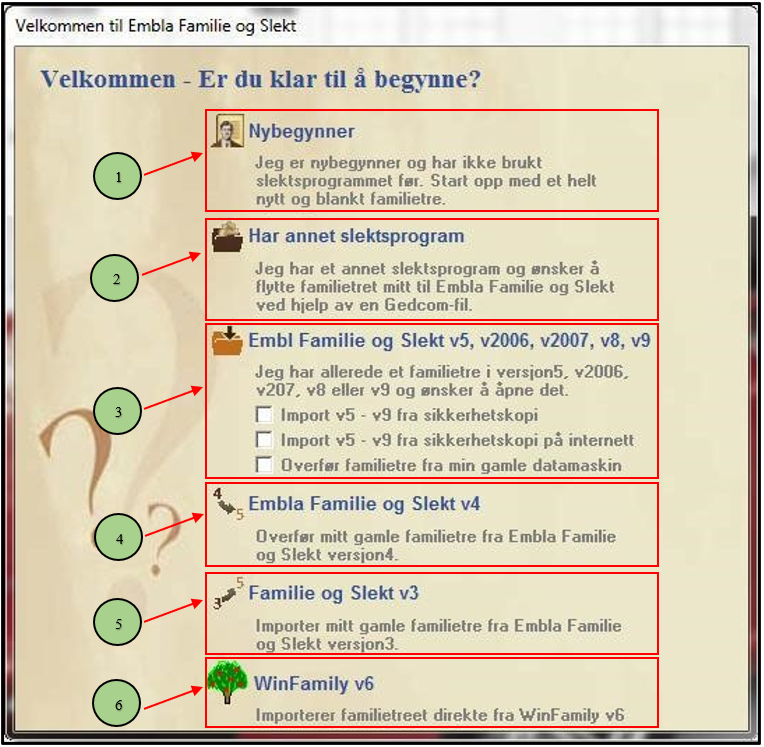
When the program is started for the first time, you will be presented with a start menu. You will only see this menu at the very first start-up.
- New user – start with a new family tree for the very first time.
- Has another family program – and wants to transfer via Gedcom.
- Has a family tree created in Embla Family and Genealogy v5, v2006, v2007, v8 or v9. It is also possible to open a backup from these versions as well as to download a backup from the internet or from an old computer.
- Embla Family and Genealogy v4 – transfer the family tree from version 4
- Embla Family and Genealogy v3 – import the family tree from version 3
- WinFamily v6 – direct import of the entire family tree from WinFamily v6 without going through Gedcom.
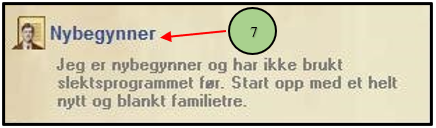
7. If you are starting with “blank sheets” and are about to start registering your family tree, select the “Beginner” menu. Then the genealogy program creates a completely new and shiny family tree. You can do the same when the program has started from File in the menu bar and submenu for Create New Family Tree
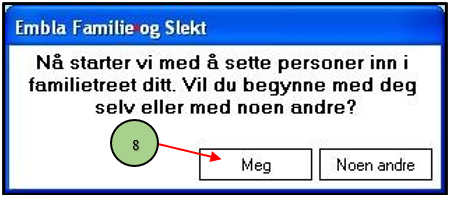
8. Now the program appears on the screen and shows almost nothing. Only the application background and a text box are displayed. The text in the box asks who you want to register first in your family tree. Whether this should be yourself or whether it should be another person. We recommend starting with yourself and therefore clicking on the button called “Me.”
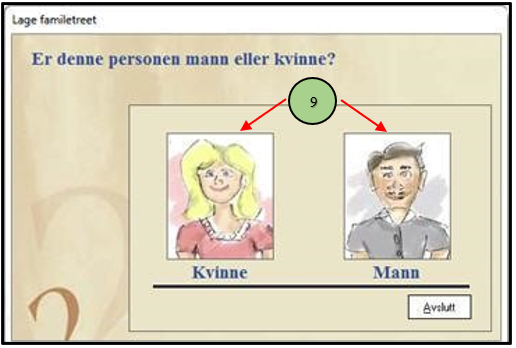
9. In the next window, the program asks if you are a man or a woman. Click on the image of the desired gender to proceed. In our example, we click on the image of the man.
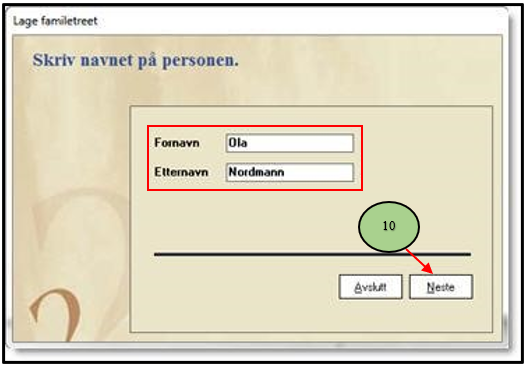
10. In the next window, enter your first name and last name. One name in each field.
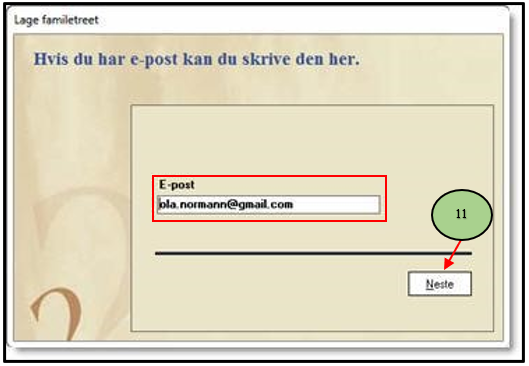
11. Then the program asks for your email. If you have e-mail, write it here, and if not, leave the field blank.
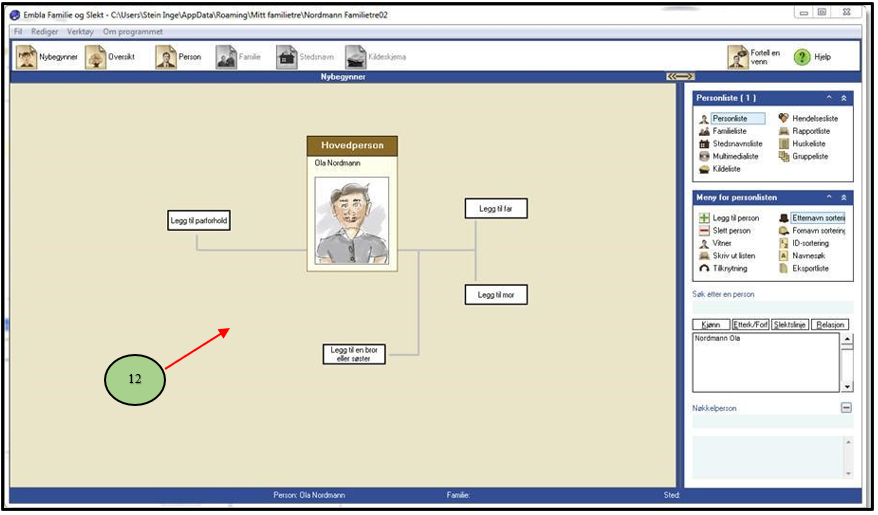
12. The entire genealogy program is now displayed. Note that your name is inserted as the main character, along with a drawing of a man (or woman).
Leave a Reply